How to add a Workdoc to a Workspace in Monday.com
Here is how to add a workdoc to a workspace in monday.com
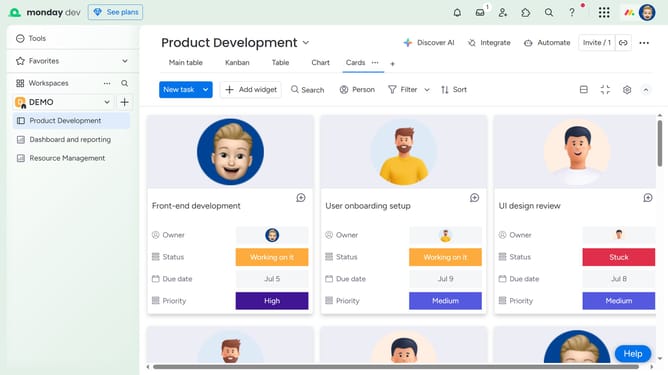
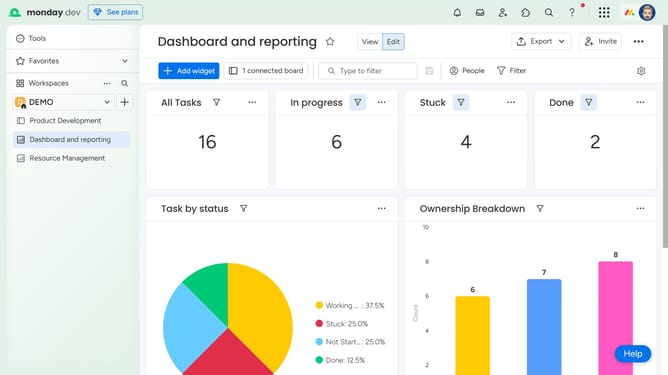
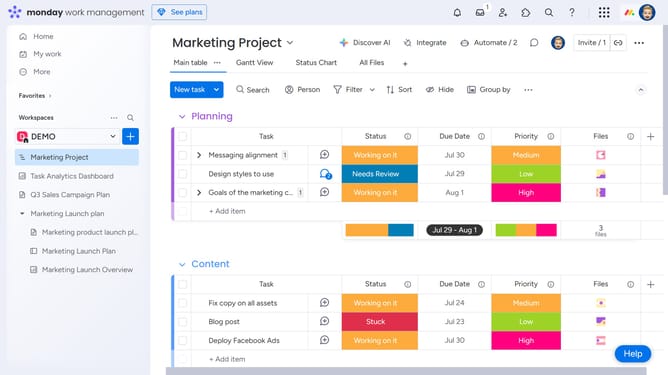
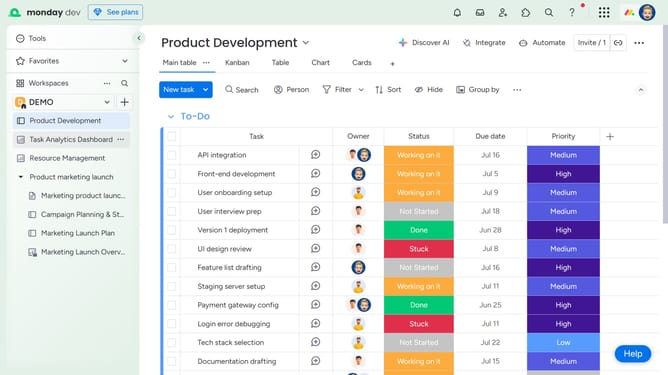
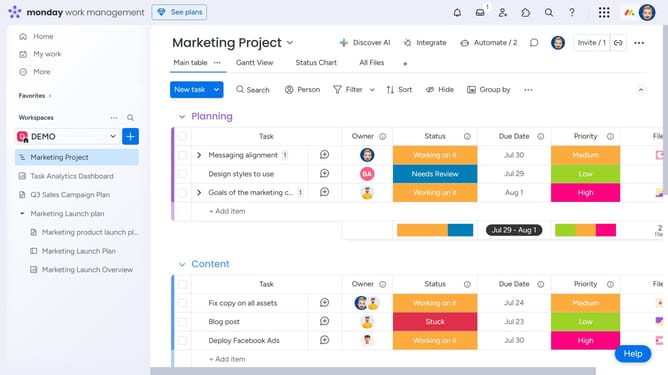
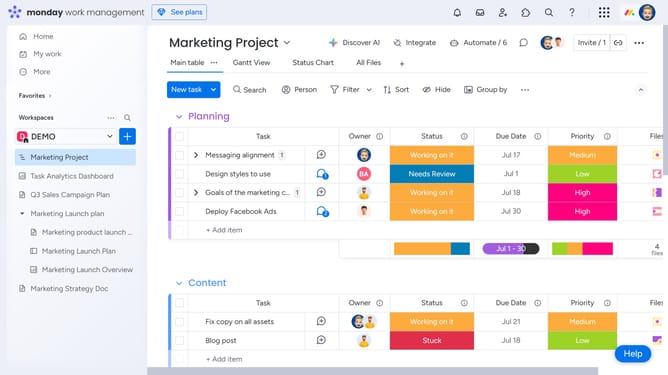
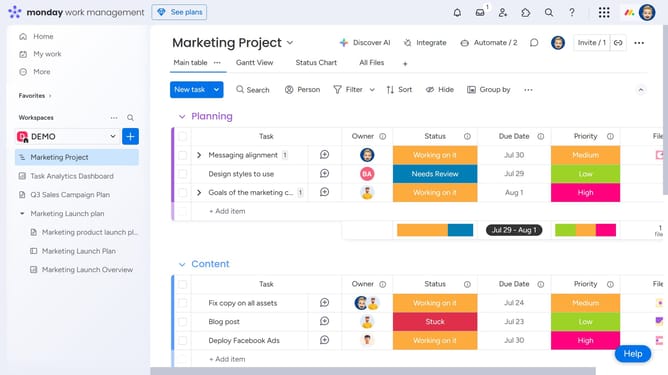
- First click on the "+" button in the left sidebar next to your Workspace name
- Next click on "Doc" option in the dropdown menu
- In the submenu, choose whether to create a "New Doc" from scratch or start with template
- Then enter the name of your Doc in the name field
- Next choose the permission type to assign to the doc
- Finally click on "Create Doc" button to create the new document
- Once the doc is created, you can begin writing and customize it to fit your needs
Why should you add a Workdoc to a Workspace in Monday.com
Monday.com is a comprehensive work management platform that enhances team collaboration and productivity.
Adding a Workdoc to a Workspace in Monday.com seamlessly integrates documentation into project management, enabling teams to centralize key information alongside their tasks and timelines.
This feature helps in organizing information collaboratively, ensuring everyone stays on the same page while tracking progress. It simplifies access to shared documents, thus reducing workflow interruptions and enhancing efficiency.
Last update