How to add annotations to a file in the Files column in Monday.com
Here is how to add annotations to a file in the files column in monday.com
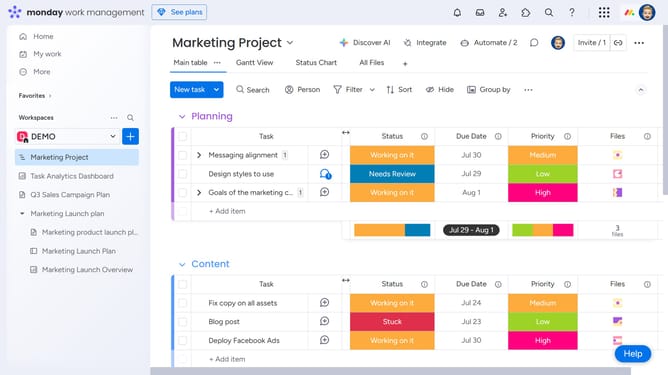
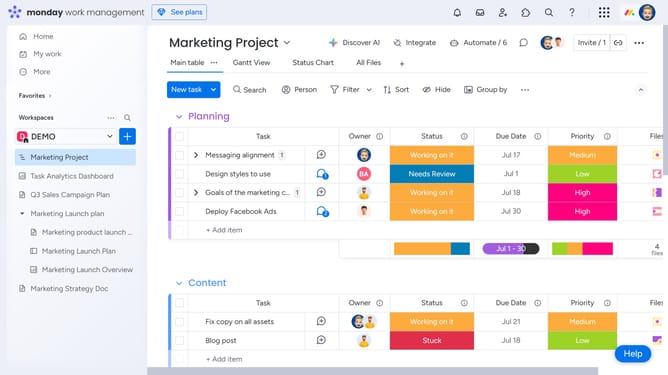
- First, locate the item on your board that contains the file
- Next in the Files column, click the file you want to annotate
- Then add an annotation by clicking on the "Comment" button in the bottom toolbar
- Click anywhere on the file where you want to leave a comment
- Then click in the comment text input field and start typing your comment
- Finally click on the "Update" button to save the annotation
Why should you add annotations to a file in the Files column in Monday.com
Monday.com is a dynamic work operating system designed to streamline teamwork and enhance productivity.
Integrating annotations within the Files column in Monday.com allows team members to provide clear, contextual feedback directly on files. This feature promotes efficient communication and ensures everyone is on the same page without lengthy email chains.
By using annotations, teams can pinpoint specific areas that need attention, leading to faster resolutions and more concise project adjustments. The result is a smoother, more collaborative workflow that enhances project outcomes.
Last update