How to delete a subitem in Monday.com
Here is how to delete a subitem in monday.com
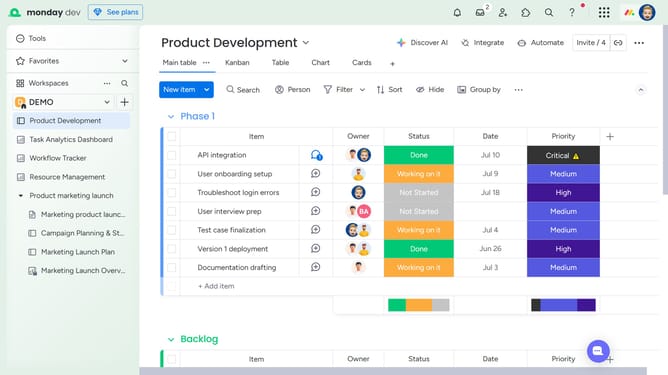
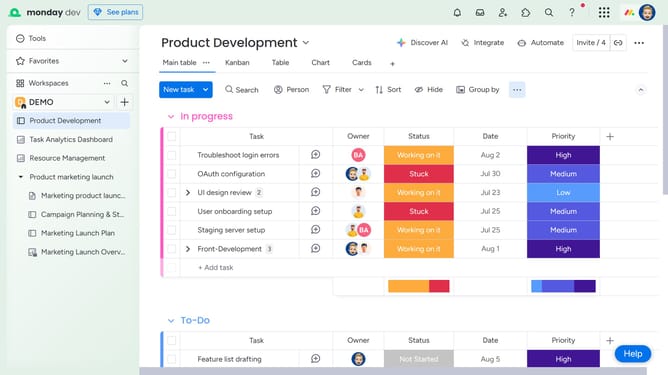
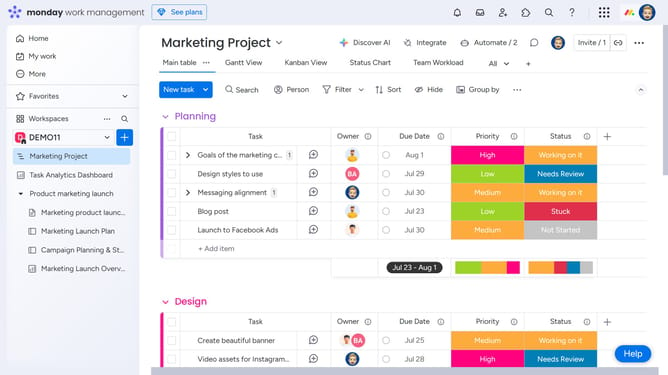
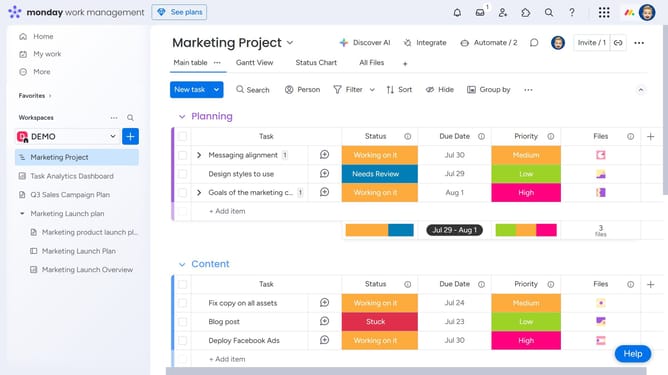
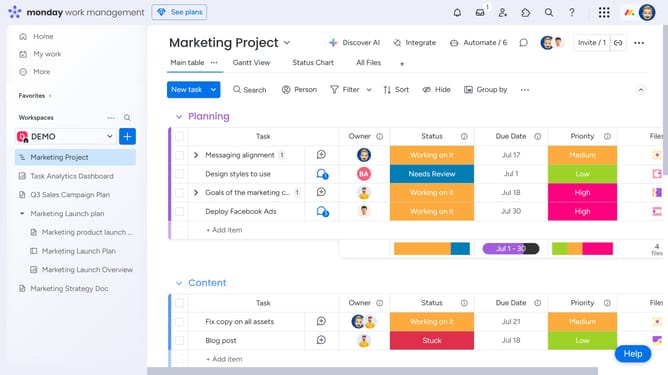
- First locate the parent item that contains the subitems
- Next click on the expand arrow next to the item name
- Then find the subitem you want to delete
- Next click on the options menu (three dots) next to the subitem
- Then select "Delete" option from the context menu
- Another option is to click the checkbox next to the subitem
- Then click the "Delete" button in the quick actions toolbar
- Finally click "Delete" in the confirmation dialog
Why should you delete a subitem in Monday.com
Monday.com is a versatile platform designed to streamline team collaboration and project management.
The ability to delete a subitem in Monday.com enhances the overall user experience by maintaining clarity and organization within your boards.
Removing unnecessary subitems allows teams to focus on essential tasks, ensuring that project data remains concise and relevant.
Utilizing this feature helps optimize workflows, leading to improved productivity and a clearer view of project progress.
Last update