How to move a column in Monday.com
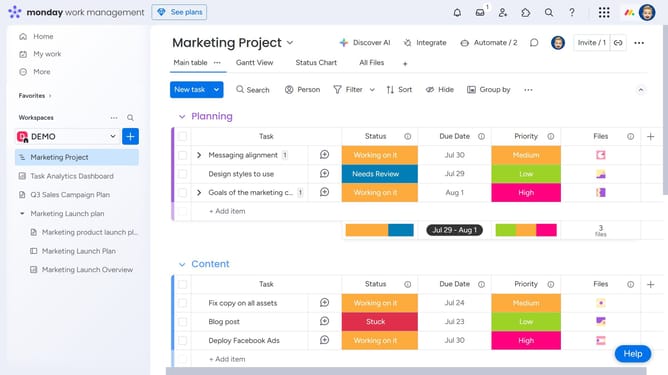
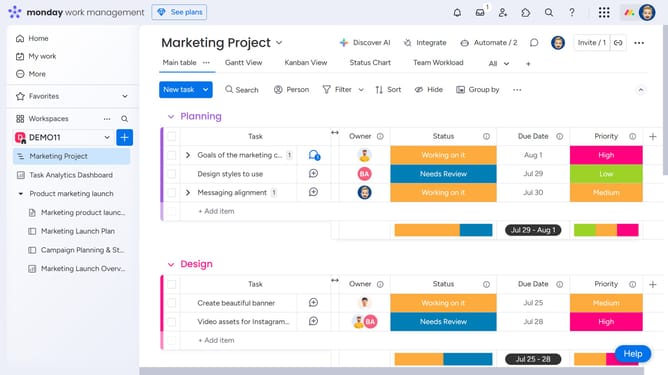
Here is how to move a column in monday.com
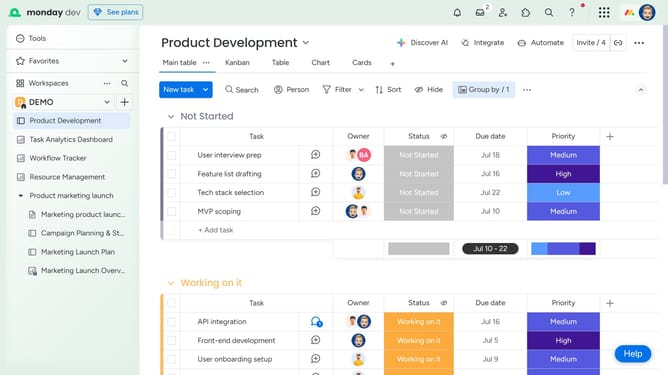
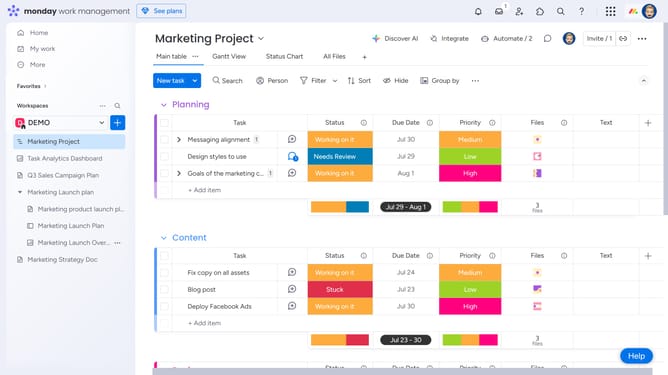
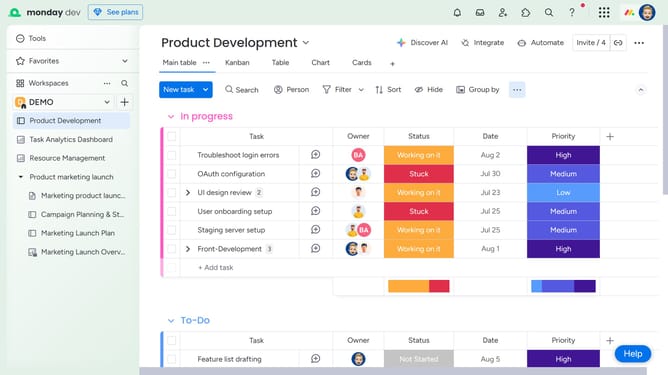
- First locate the column you want to move on the board
- Then, click and hold the column title, then drag it left or right to the desired position
- Finally release to drop the column in the new position
Why should you move a column in Monday.com
Monday.com is a versatile work operating system designed to enhance team collaboration and project management.
A standout feature of Monday.com is the ability to easily move columns. This flexibility allows users to reorganize their workflow intuitively, reducing time spent navigating and rearranging project views.
By efficiently moving columns, teams can adapt swiftly to changing priorities, ensuring everyone is aligned. This enhances productivity and keeps projects on track, reflecting the dynamic nature of modern work environments.
Last update