How to share a Workdoc with team members in Monday.com
Here is how to share a workdoc with team members in monday.com
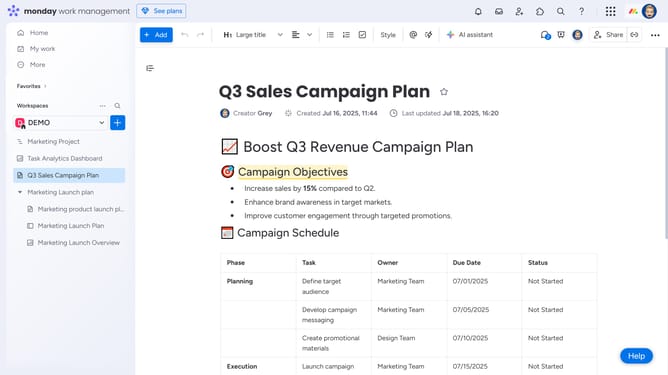
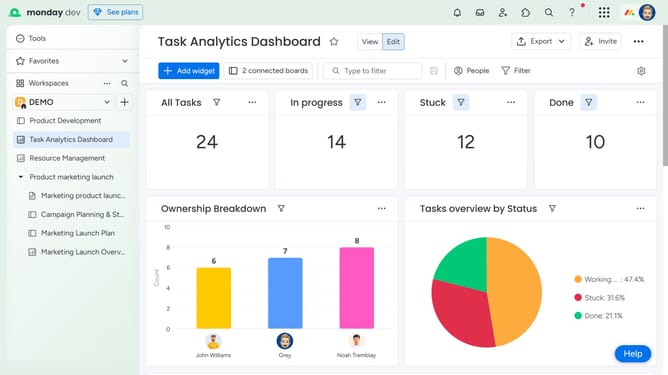
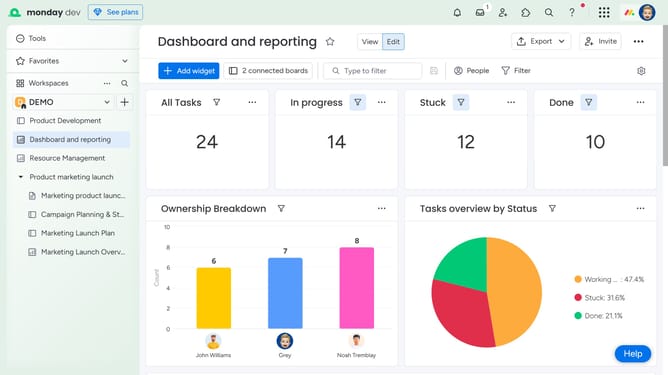
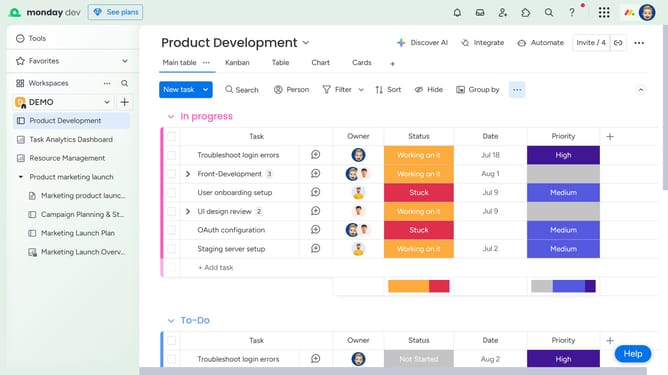
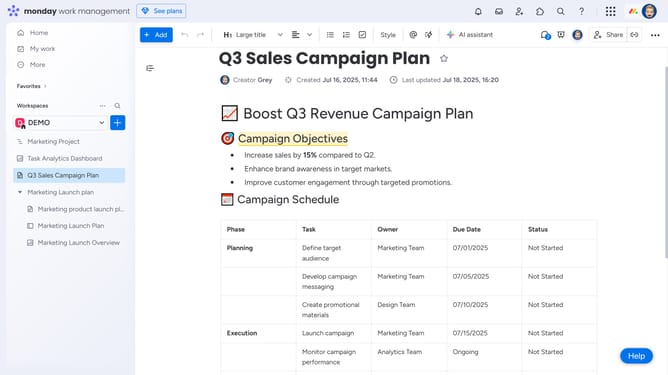
- First open the Workdoc you want to share from the left sidebar
- Next click on "Share" button in the top-right corner of the Doc
- In the invite dialog, type the name of the team member you want to share it with
- Then click on the correct person from the search results
- To share the Workdoc with a new team member, enter their email address into the search field
- Then click on "Invite a new member by email" option in the dropdown
- Finally click "Invite as a member" button to send the invitation
- The invited member will have access to view or collaborate on the Doc once they accept the invitation
Why should you share a Workdoc with team members in Monday.com
Monday.com is a versatile work management platform designed to streamline team collaboration.
Sharing a Workdoc with your team on Monday.com is a seamless experience that fosters real-time collaboration among team members. This feature allows everyone to access, edit, and comment on documents in a shared workspace.
By distributing Workdocs with ease, teams can ensure transparency and keep everyone aligned on project goals. This enhances productivity, minimizes communication gaps, and allows for collective input, making project management effortless and highly efficient.
Last update