How to restrict column editing in Monday.com
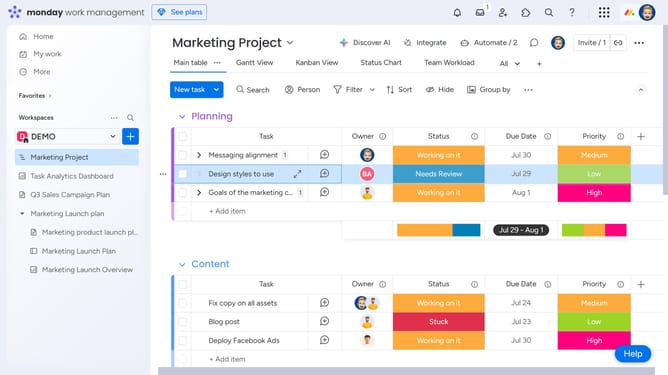
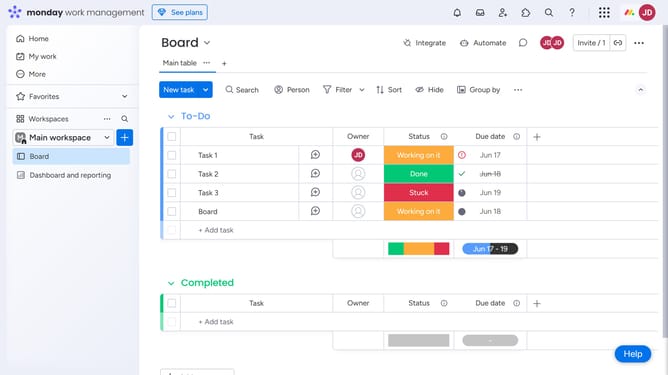
Here is how to restrict column editing in monday.com
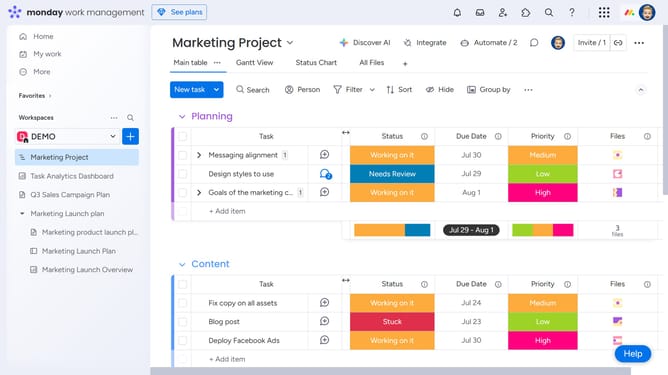
- First locate the column you want to restrict on the board
- Next click on the "More options'" menu (three dots) next to the column name
- Click on the "Settings" option in the dropdown menu
- Then select "Restrict column editing'" from the settings submenu
- In the field that appears, type the name of the person or team you want to give editing access to
- Finally select the correct person or team from the suggestions list
- The selected individuals will now be allowed to edit the column and all others, except board owners, will be restricted from making changes
Why should you restrict column editing in Monday.com
Monday.com is a versatile work operating system designed to streamline team collaboration and project management.
Being able to restrict column editing in Monday.com ensures that sensitive data remains secure and minimizes errors in project workflow.
This feature is particularly advantageous because it maintains data integrity, allowing only authorized team members to make necessary changes, enhancing project accuracy and reliability.
Ultimately, restricting column editing helps teams maintain focus on their objectives while safeguarding critical information.
Last update