How to remove a team member from a board in Monday.com
Here is how to remove a team member from a board in monday.com
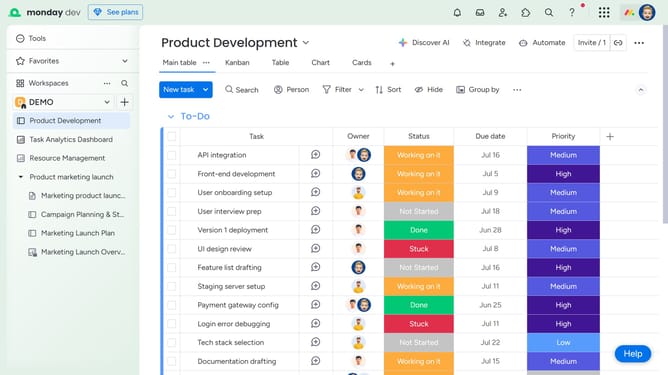
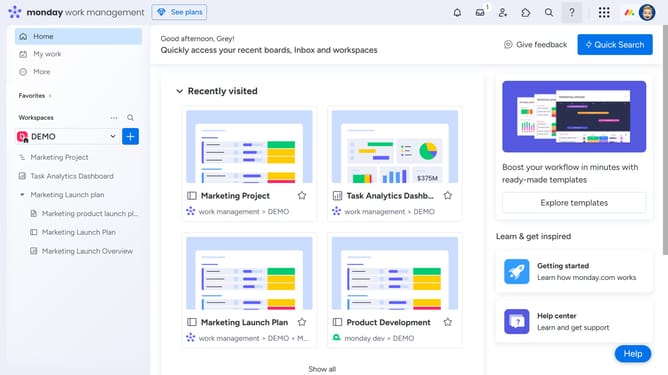
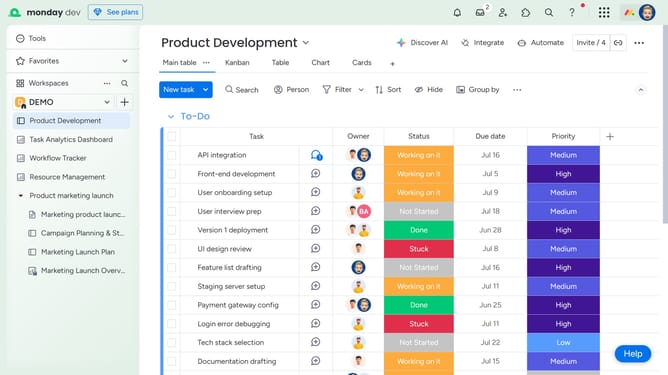
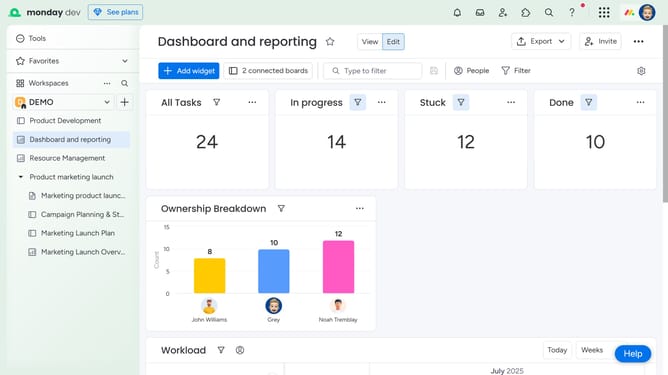
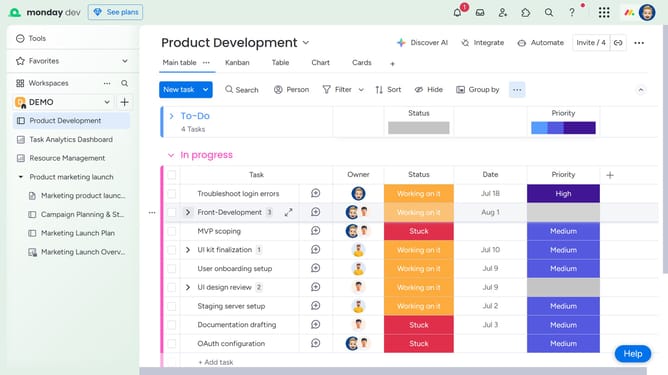
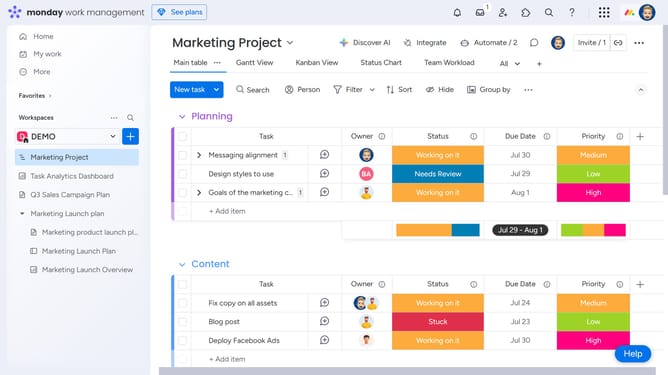
- First in the left sidebar menu, open the board where you want to remove a team member
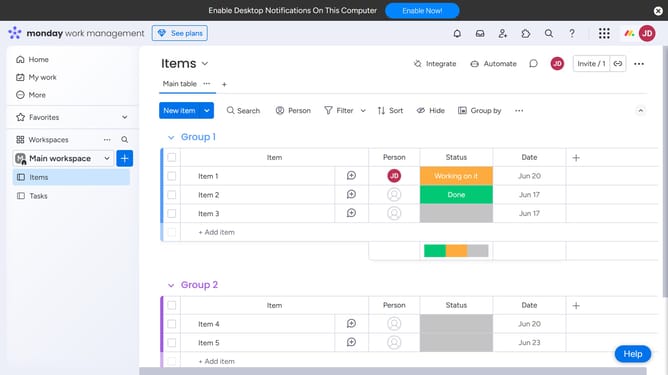
- Next click on the "Invite" button in the top toolbar
- Then find the member you want to remove in the list
- Finally, click the "X" icon next to the member’s name
Why should you remove a team member from a board in Monday.com
Monday.com is a versatile work operating system designed to streamline team collaboration and enhance productivity.
One valuable feature is the ability to efficiently remove a team member from a board. This function ensures that project roles remain current and that sensitive information is protected, aligning with evolving project needs.
This seamless adjustment not only ensures data security but also fosters a focused project environment. Keeping your team structure up-to-date enhances workflow clarity and ensures that resources are optimally utilized.
Last update