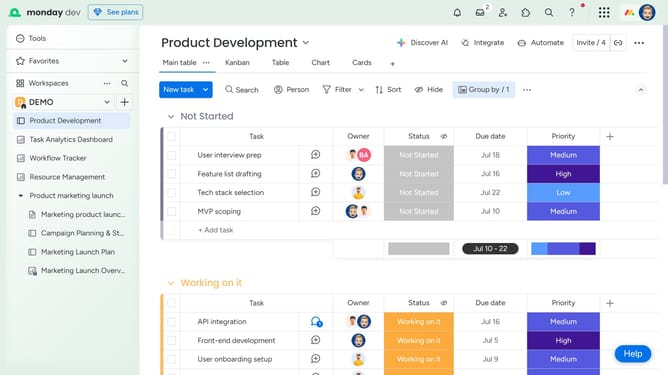
How to summarize text using Autofill with AI in Monday.com
Here is how to summarize text using autofill with ai in monday.com
- First open the board that contains the text you want to summarize
- Next locate the "Text" column
- Click on the "More options" menu button (three dots) in the top-right corner of the column
- Then click on "Autofill with AI" option from the dropdown menu
- Select the "Summarize" action from the AI actions menu
- Next click on the "Choose text" dropdown menu
- Then select the column with the text to summarize from the dropdown menu
- You can add instructions in the "Additional instructions" text field if needed
- Finally click on the "Save & apply" button to apply the changes
Why should you summarize text using Autofill with AI in Monday.com
Monday.com is a comprehensive work operating system designed to streamline team collaboration and enhance productivity.
The Autofill with AI feature in Monday.com allows users to effortlessly summarize text, making data management more efficient. By leveraging AI, it intelligently condenses information, providing quick insights without the need for manual intervention.
This feature is particularly beneficial in simplifying communication, reducing reading time, and fostering better decision-making within teams. It highlights Monday.com’s commitment to innovation in creating seamless workflows.
Last update