How to summarize a Workdoc using AI in Monday.com
Here is how to summarize a workdoc using ai in monday.com
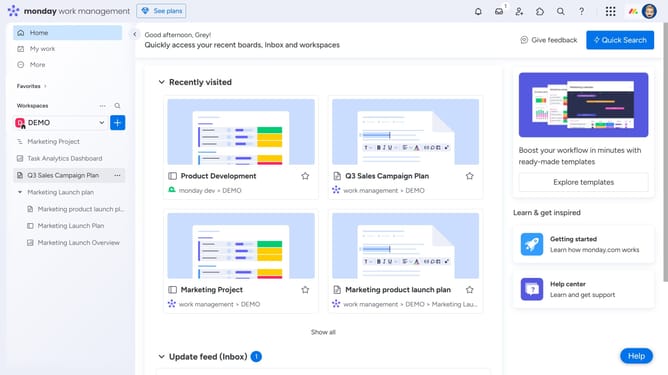
- First open the Workdoc you want to summarize from the left sidebar menu
- Next click on "AI assistant" button in the top toolbar of the document
- Then click on "Summarize" option in the AI assistant dropdown menu
- Finally the entire workdoc will be summarized into a shortened paragraph or list with key points from the doc
- You can now choose to copy the text, or click on the "+Add to doc" button to add the summary directly to your workdoc
Why should you summarize a Workdoc using AI in Monday.com
Monday.com is a collaborative platform designed to streamline work processes and enhance team productivity.
By utilizing AI to summarize a Workdoc, Monday.com transforms lengthy documents into concise insights. This feature allows teams to quickly grasp the essential points, saving valuable time.
Summarizing with AI supports decision-making by highlighting crucial information, ensuring that you always stay focused on what truly matters.
Last update