How to remove a board member in Monday.com
Here is how to remove a board member in monday.com
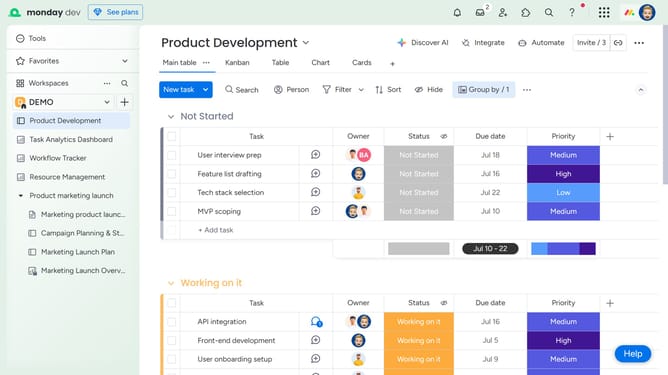
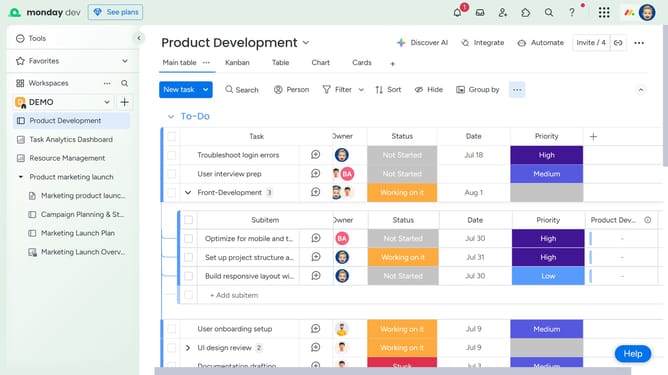
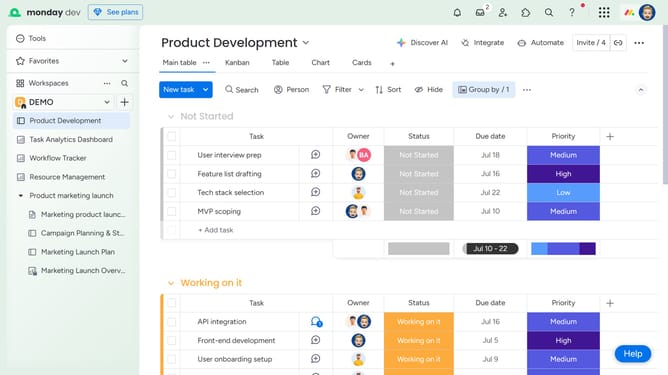
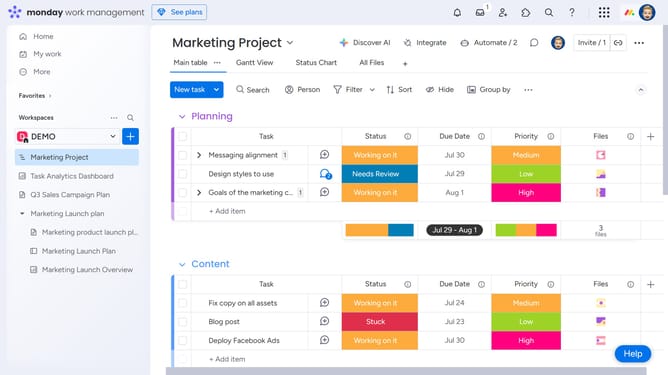
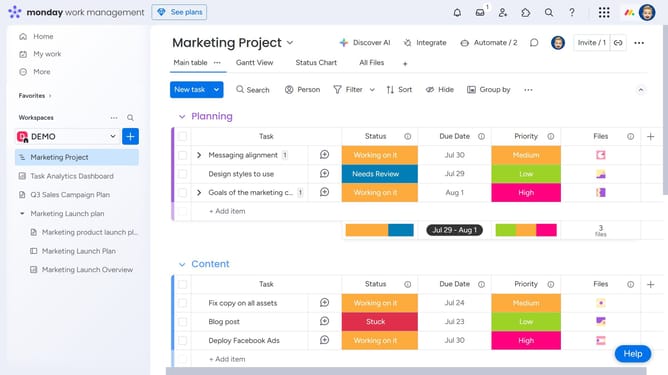
- First in the left sidebar menu, open the board where you want to remove a team member
- Next click on the "Invite" button in the top toolbar
- Then find the member you want to remove in the list
- Finally, click the "X" icon next to the member’s name
Why should you remove a board member in Monday.com
Monday.com is a versatile work operating system designed to streamline project management and improve team collaboration.
Removing a board member in Monday.com is straightforward and ensures that your team’s workflow is always aligned with current project needs.
This feature is beneficial when team dynamics change, allowing you to maintain an up-to-date and cohesive project team.
Keeping your board's membership current enhances team focus and productivity, ultimately ensuring that your projects are successfully managed with the right contributors.
Last update