How to deactivate Autofill with AI in Monday.com
Here is how to deactivate autofill with ai in monday.com
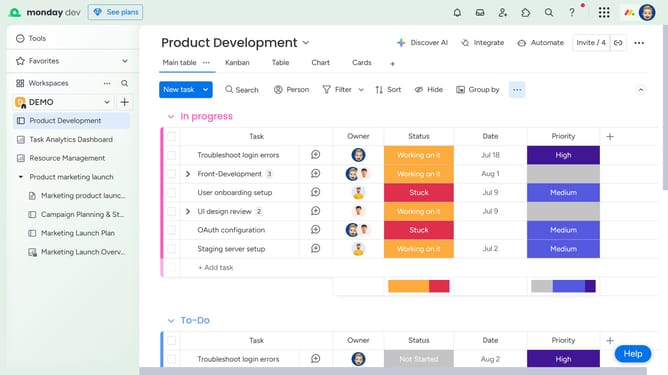
- First open the board where the “Autofill with AI” feature is currently active
- Next locate the column that uses AI
- Click on the "More options" button (three dots) in the top-right corner of the column
- Then click on "Autofill with AI" option in the dropdown menu
- Finally click on "Deactivate AI" in the submenu to disable the feature
Why should you deactivate Autofill with AI in Monday.com
Monday.com is a versatile work operating system designed to help teams streamline their workflows and boost productivity.
The Autofill with AI feature in Monday.com allows users to automate the completion of repetitive tasks seamlessly. However, deactivating this feature can give users more personalized control over their task entries and details.
This adjustment is especially beneficial for teams that prefer a manual approach, ensuring precision and minimizing errors in data entry. By selectively deactivating Autofill with AI, users can tailor their workspace to meet unique operational demands and enhance team autonomy.
Last update