How to annotate a file in the Files Column in Monday.com
Here is how to annotate a file in the files column in monday.com
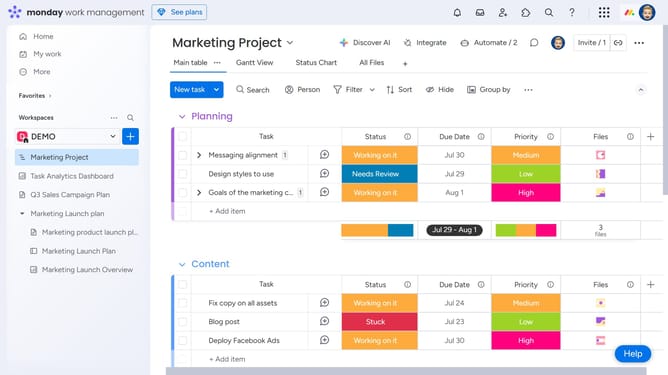
- First, locate the item on your board that contains the file you want to annotate
- Next in the Files column, click the file to open it
- Then add an annotation by clicking on the "Comment" button in the bottom toolbar
- Click anywhere on the file where you want to leave a comment
- Then click in the comment text input field and start typing your comment
- Finally click on the "Update" button to save the annotation
Why should you annotate a file in the Files Column in Monday.com
Monday.com is a powerful work operating system designed to streamline teamwork and enhance productivity.
Among its numerous features, annotating a file in the Files Column stands out as a practical tool that fosters collaboration. This feature allows users to add comments and notes directly to documents, ensuring that important insights are communicated clearly and efficiently.
Using annotations can significantly enhance project management, as team members can easily highlight key details, draw attention to important sections, and provide context where needed.
Ultimately, file annotation in Monday.com encourages transparency and cohesion, simplifying communication within teams and driving projects forward seamlessly.
Last update