How to delete an annotation in Monday.com
Here is how to delete an annotation in monday.com
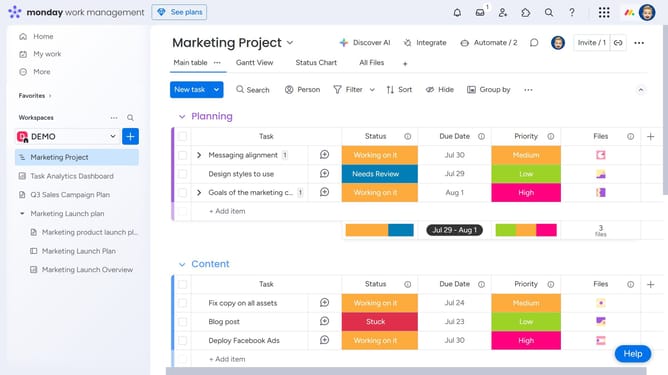
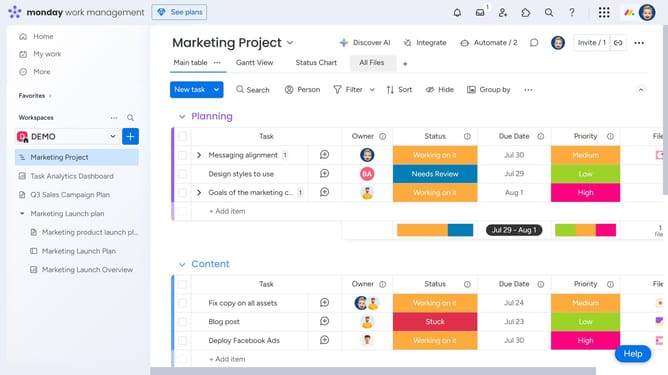
- First locate the item on your board that contains the annotated file
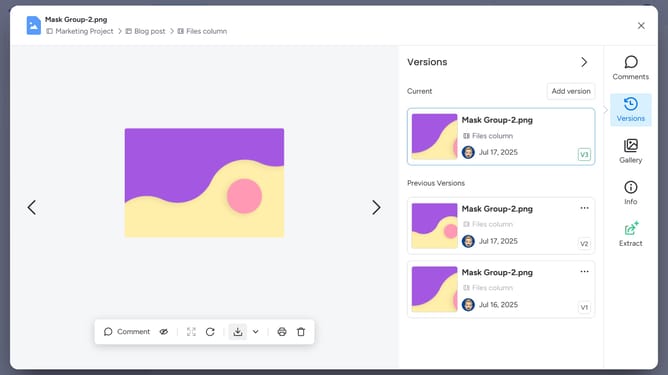
- Then in the Files column, click the file to open it
- Click the annotation (blue circle) you want to delete to open the comment thread
- Then locate your comment within the thread
- Next click on the "More actions" menu (three dots) in the comment header
- Then select "Delete comment" from the dropdown menu
- Finally click the "Delete" button in the confirmation dialog
Why should you delete an annotation in Monday.com
Monday.com is a versatile platform designed to enhance team collaboration and productivity.
One standout feature is the ability to delete annotations, which helps maintain organized and clear project boards.
This function ensures that only relevant and up-to-date information is displayed, eliminating potential confusion.
Streamlining communication in this way enhances overall efficiency, empowering teams to focus their energy on achieving key objectives.
Last update