How to add a member to a board in Monday.com
Here is how to add a member to a board in monday.com
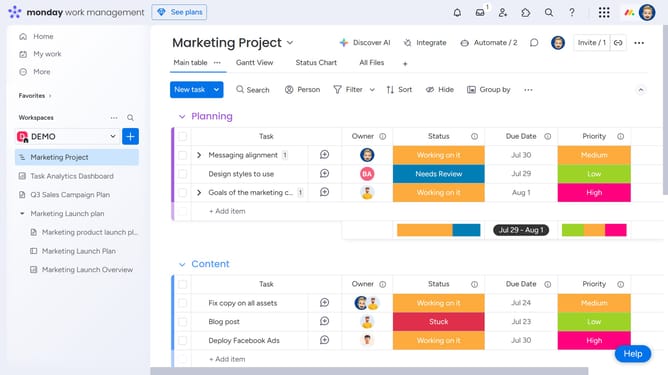
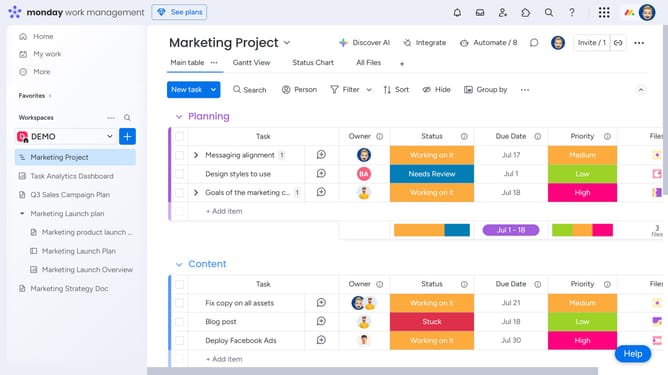
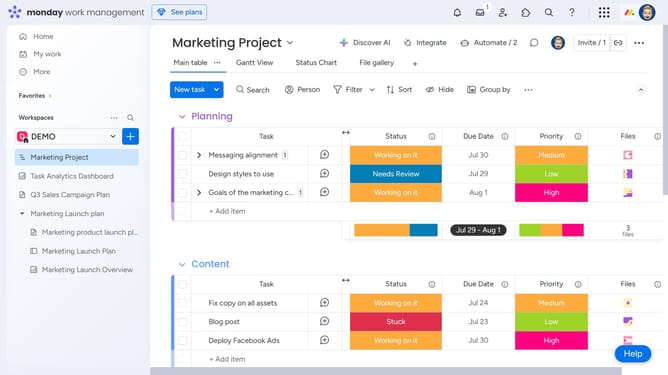
- First open the board you want to add a member to from the left sidebar
- Next click on "Invite" button in the top menu bar
- Type the name of the person you want to add in the invite field
- Then select the person from the search results
- The person will be added and now appear in the board members list
- Alternatively, enter the email address of the person you want to add
- Then click on the "Invite a new member by email" button
- Finally click on "Invite as a member" button to send the invitation
- The person will receive an email invitation and will be added to the board as soon as they accept it
Why should you add a member to a board in Monday.com
Monday.com is an intuitive work operating system designed to streamline team collaboration and project management.
The feature of adding a member to a board on Monday.com enhances team dynamics and fosters seamless communication. With just a few clicks, incorporate team members into your workspace, ensuring everyone has access to the essential details at the right time.
This capability allows for efficient task delegation, empowers transparency, and maintains alignment across all project stages, thereby promoting productivity and accountability within teams.
Last update