How to invite someone to a board via email in Monday.com
Here is how to invite someone to a board via email in monday.com
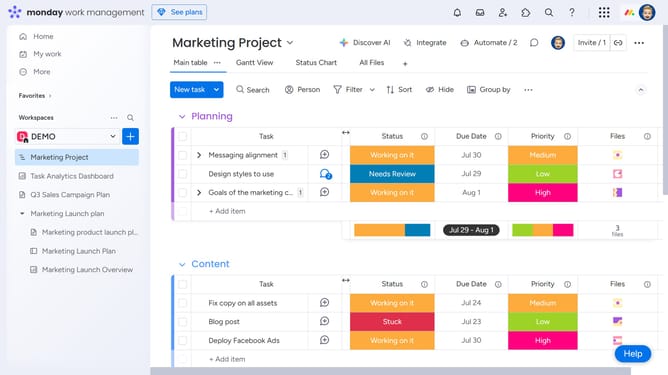
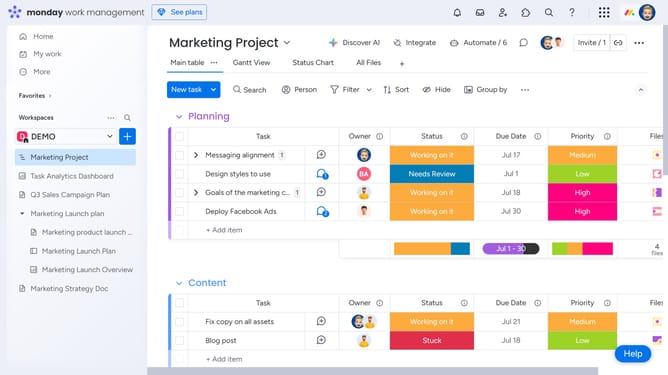
- First, in the left sidebar, open the board where you want to invite someone
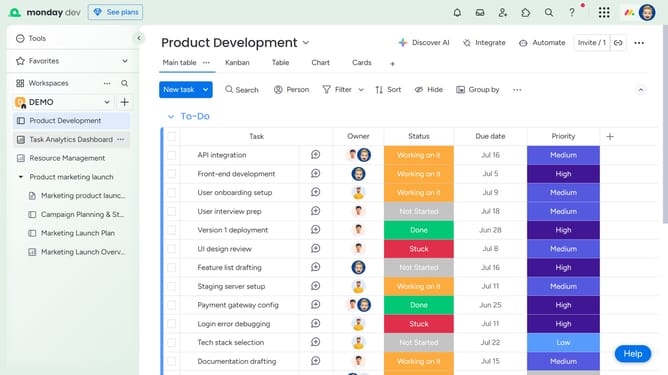
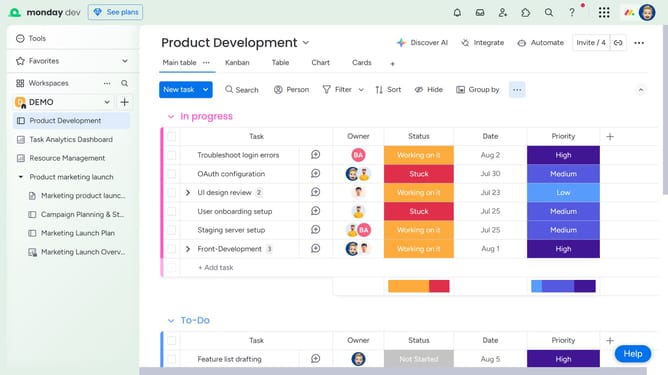
- Next click on "Invite" button in the top menu bar
- Then enter the name or email address of the person you want to add in the invite field
- Click on the "Invite a new member by email" button
- Finally click on "Invite as a member" button to send the invitation
- The person will receive an email invitation and will be added to the board as soon as they accept it
Why should you invite someone to a board via email in Monday.com
Monday.com is a versatile work operating system designed to streamline and enhance team collaboration and productivity.
Inviting someone to a board via email in Monday.com is a powerful feature that simplifies sharing and collaboration by allowing team members to seamlessly join and contribute to projects.
This feature enables instant connection with colleagues, ensuring everyone stays in the loop and can actively participate in project activities. It fosters a collaborative environment, where ideas and feedback are easily exchanged, accelerating project progress.
Last update