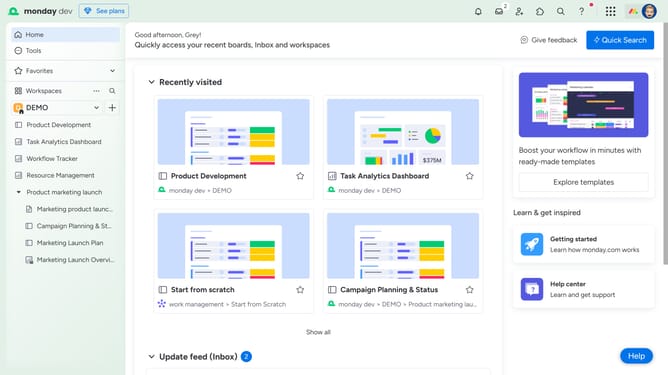
How to reorder widgets on a dashboard in Monday.com
Here is how to reorder widgets on a dashboard in monday.com
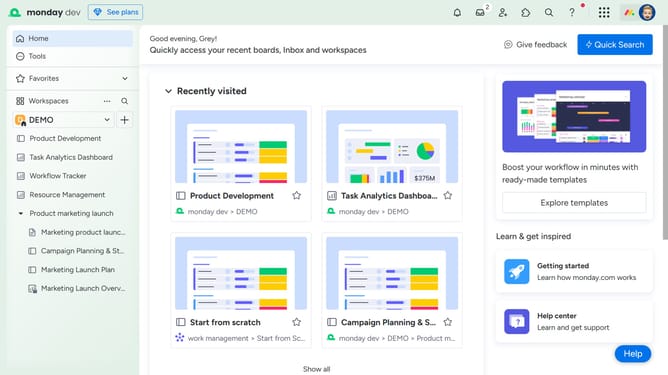
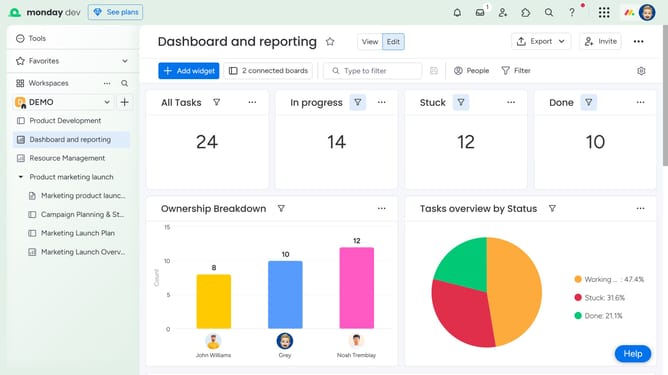
- First in the left sidebar, click on the dashboard where you want to reorder widgets
- Next hover over the widget you want to move on the dashboard
- Locate the "drag handle" in the widget. Then, click and drag it to your desired position on the dashboard
- Finally release the mouse button to drop the widget in the new location
- Repeat the process for any other widgets you’d like to reorder
Why should you reorder widgets on a dashboard in Monday.com
Monday.com is a versatile work operating system designed to streamline collaboration and project management.
The feature to reorder widgets on a dashboard in Monday.com allows users to customize their workspace effectively. By rearranging widgets, teams can prioritize the most important information, enhancing productivity and focus.
This personalized setup leads to smoother workflows and a more intuitive user experience. It ensures that all team members stay aligned and informed, leading to improved project outcomes.
Last update