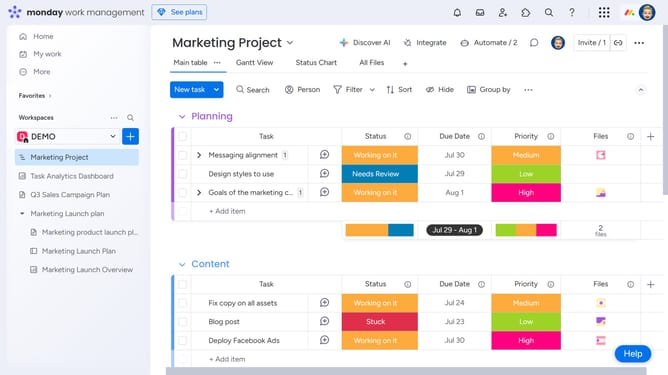
How to enable or disable file previews in Monday.com
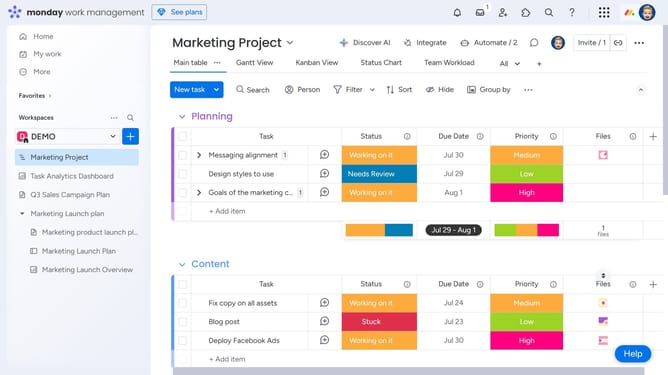
Here is how to enable or disable file previews in monday.com
- First click on the profile picture in the top-right corner of the header
- Next click on the "Administration" option in the dropdown menu
- Click on "Customization" in the left sidebar
- Select "Features" from the submenu under Customization
- Then locate the "Display file preview" option in the features list
- Finally toggle the switch ON to enable or OFF to disable file previews based on your preferences
Why should you enable or disable file previews in Monday.com
Monday.com is a versatile work operating system that enhances team collaboration and workflow efficiency.
Enabling or disabling file previews in Monday.com allows you to tailor your workspace to your needs, fostering a smoother project experience.
Using file previews can streamline your workflow by offering quick insights into documents without extra clicks.
On the other hand, disabling previews can declutter your view, offering a more focused workspace for specific tasks.
Last update