How to duplicate a column in Monday.com
Here is how to duplicate a column in monday.com
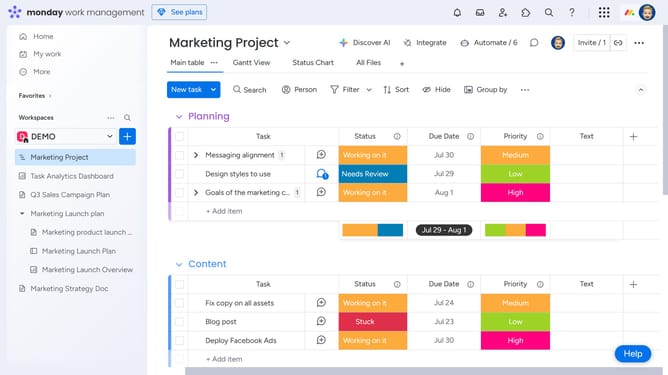
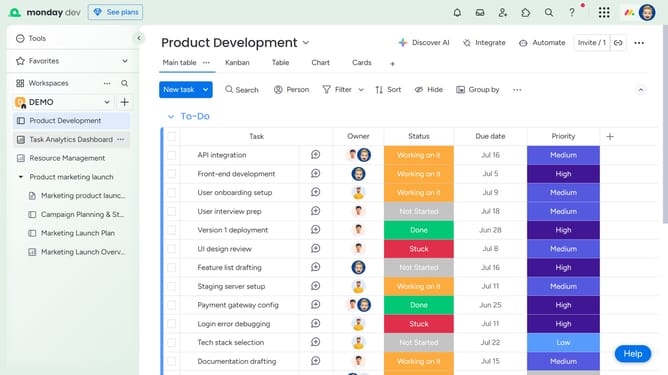
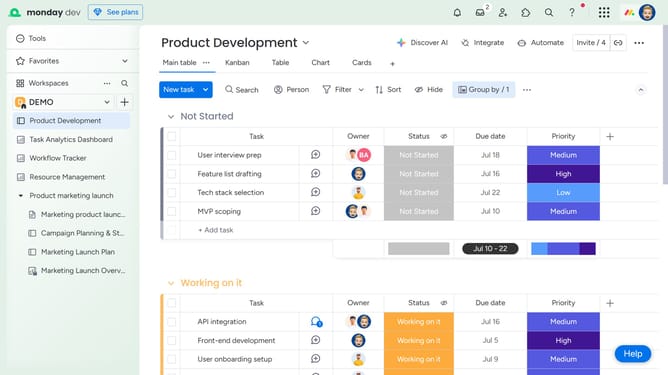
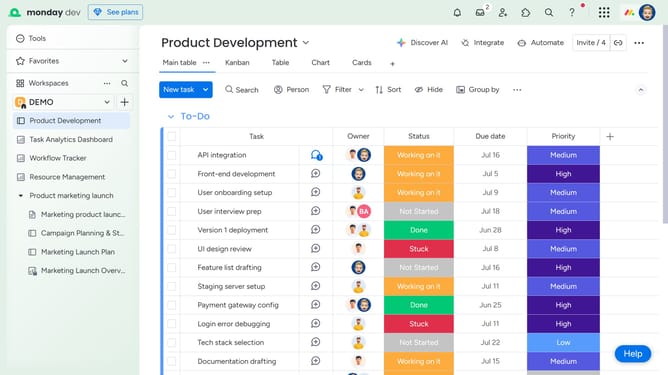
- First, on the board, locate the column you want to duplicate
- Next hover over the column name and click on the options menu (three dots) next to it
- Then click on "Duplicate column" option in the dropdown menu
- Finally choose whether to duplicate "Column only" or "Column and cell values"
Why should you duplicate a column in Monday.com
Monday.com is a versatile work operating system designed to streamline teamwork and enhance productivity.
An indispensable feature within Monday.com is the ability to duplicate columns effortlessly. This feature allows users to replicate existing data structures within their boards, which is particularly useful for projects requiring consistent column layouts across different workflows.
By duplicating columns, teams save time and maintain formatting consistency, significantly reducing setup time for new tasks. It ensures that no crucial data format or detail is overlooked, promoting smoother project management.
Last update