How to change a board member's permissions in Monday.com
Here is how to change a board member's permissions in monday.com
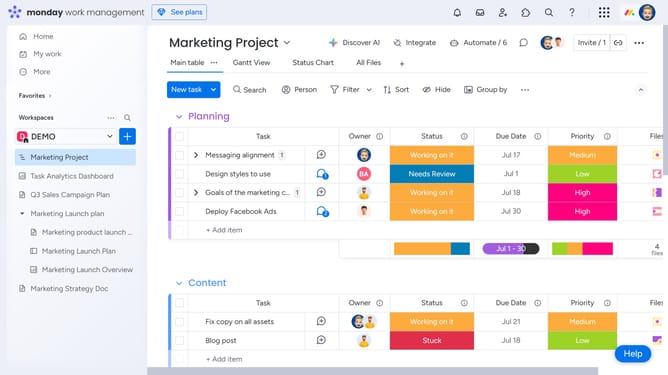
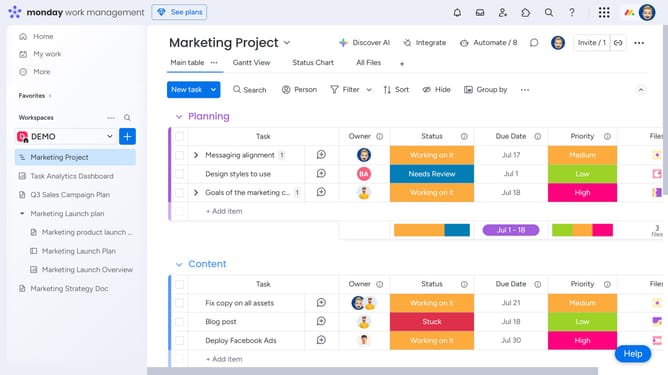
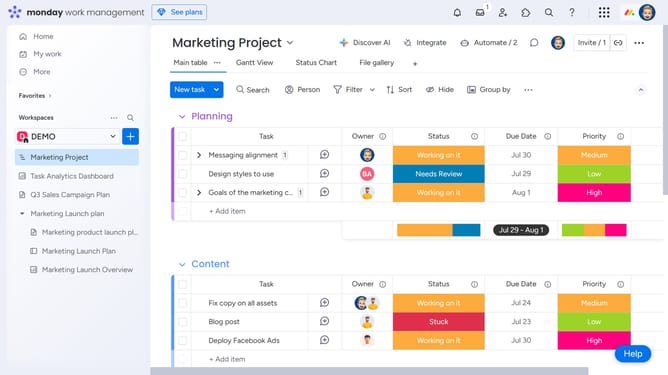
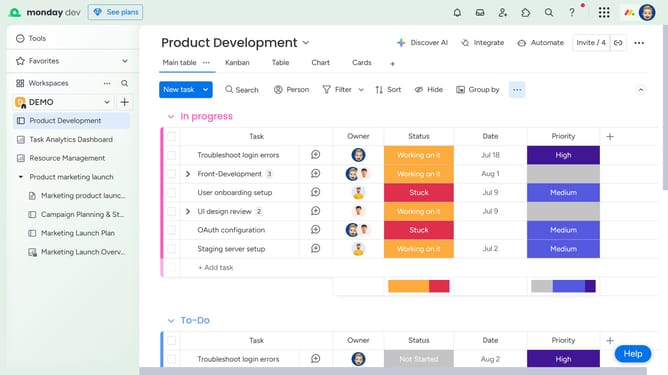
- First, in the left sidebar, open the board where you want to update the member's permissions
- Then click on "Invite" button in the top toolbar
- Then a pop-up window will appear showing current board members
- To make them a board owner, click the greyed-out crown icon next to their name
- Next to remove someone as a board owner, click the blue crown icon next to their name
Why should you change a board member's permissions in Monday.com
Monday.com is an intuitive work operating system that empowers teams to manage projects and workflows with ease.
Changing a board member’s permissions in Monday.com is a feature that enhances flexibility and control. By adjusting permissions, you ensure that every team member has access to the specific tools and data necessary for their role, promoting efficiency and cohesion within the team.
This feature fosters a tailored environment where confidentiality and task-specific visibility can be maintained, ultimately driving productivity and collaboration on shared projects.
Last update