How to post a new update to an item in Monday.com
Here is how to post a new update to an item in monday.com
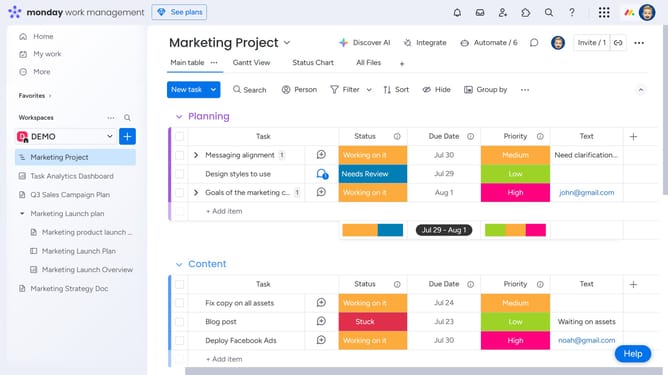
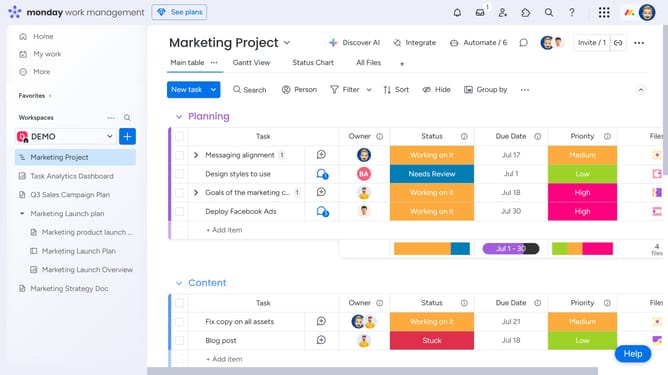
- First on the board, locate the item you want to post an update to
- Next click the item’s name to open the item view
- In the right panel, open the Updates section
- Then click on the update text field
- Next type your message and you can include emojis, images, files, or even checklists as needed
- Finally click the "Update" button to post the update
Why should you post a new update to an item in Monday.com
Monday.com is a work operating system that streamlines team collaboration and project management.
By posting a new update to an item in Monday.com, you keep your team informed and the workflow seamless.
This feature allows for quick sharing of information, ensuring everyone is aligned and tasks progress smoothly.
Consistent updates minimize misunderstandings, enhance transparency, and boost overall team productivity.
Last update