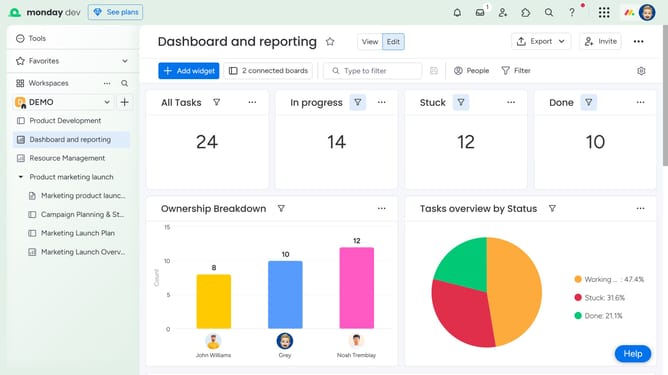
How to change a dashboard type in Monday.com
Here is how to change a dashboard type in monday.com
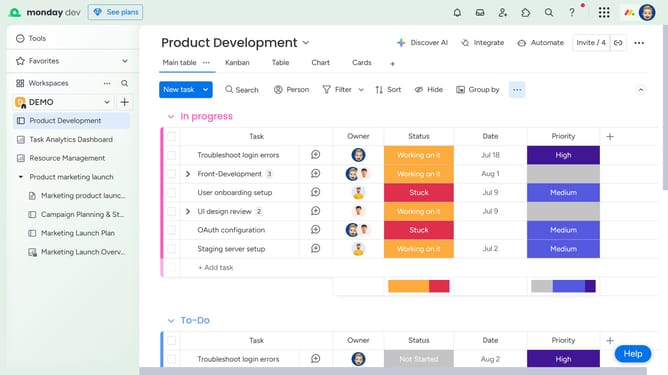
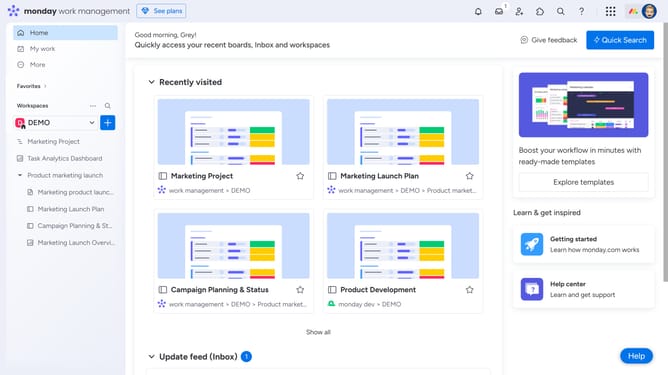
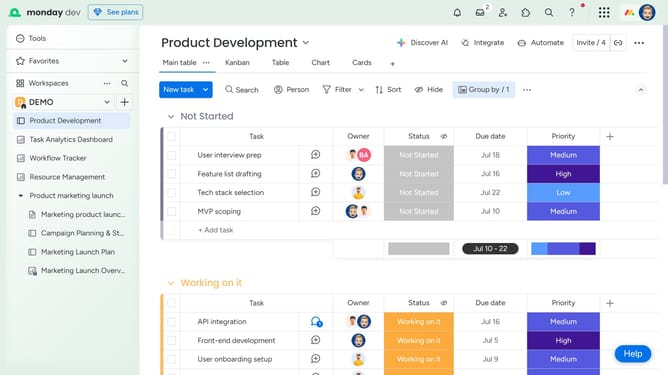
- First open the dashboard you want to change from the left sidebar menu
- Next click on the "more options" button (three dots) in the top-right corner of the dashboard
- Then select "Change type to Private" or "Change type to Main" from the dropdown menu
- Finally click on "Change dashboard to Main" or "Change dashboard to Private" button in the confirmation dialog
Why should you change a dashboard type in Monday.com
Monday.com is a versatile platform designed to streamline work processes and enhance team collaboration.
Changing a dashboard type in Monday.com allows you to tailor your workspace to fit the specific needs of your project or team.
With this feature, you can easily switch between different dashboard layouts, ensuring that you have the most relevant data and insights at a glance.
This flexibility not only improves efficiency but also empowers your team to make data-driven decisions quickly, keeping everyone aligned and focused.
Last update