How to move items up and down in Monday.com
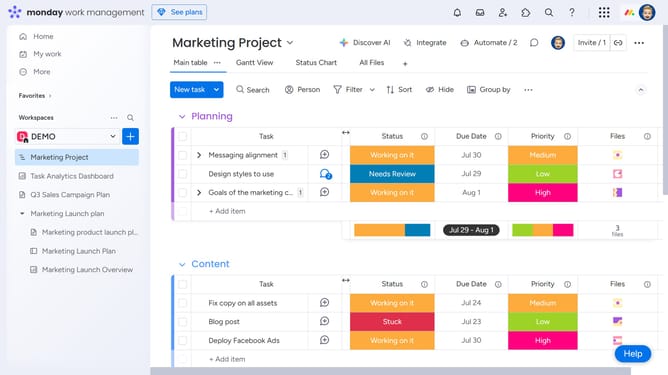
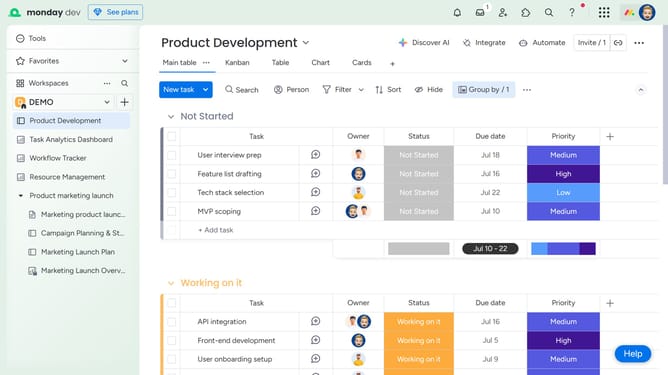
Here is how to move items up and down in monday.com
- Click on the board where you want to move items up and down
- Hover your mouse cursor on the item you want to move
- Click on the "More Options" button (three dots)
- Click on the "Move to" option
- From the dropdown menu that appears click "Move to top"
Why should you move items up and down in Monday.com
Monday.com is a versatile work management platform designed to streamline team collaboration and project organization.
Moving items up and down in Monday.com empowers users to prioritize tasks effortlessly, ensuring that what's most important is always at the forefront.
This feature enhances workflow efficiency by allowing for quick adjustments to project timelines, keeping teams aligned and focused on high-priority objectives.
The ability to reorganize items in real-time nurtures a dynamic work environment, adapting seamlessly to changing demands and fostering productivity.
Last update