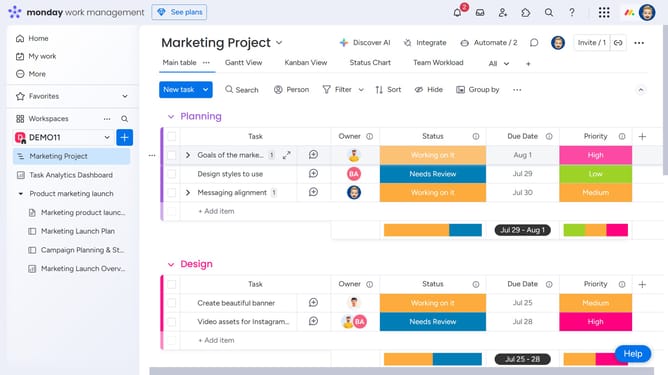
How to access the subitem Activity Log in Monday.com
Here is how to access the subitem activity log in monday.com
- To access the subitems Activity Log, simply click on a subitem to open it up
- Then click on the "Activity Log" tab in the details panel at the top of the screen
- Finally a panel will open showing all updates and changes made to that subitem
Why should you access the subitem Activity Log in Monday.com
Monday.com is a versatile work operating system designed to enhance team collaboration and project management.
Accessing the subitem Activity Log in Monday.com allows users to seamlessly keep track of all changes and updates made within their projects.
This feature bolsters transparency and accountability, enabling team members to stay informed about modifications, thereby ensuring everyone is aligned with project objectives.
With its intuitive interface, Monday.com provides users with the ability to efficiently manage tasks while improving team productivity and cohesion.
Last update