How to link different boards in Monday
Here is how to link different boards in monday
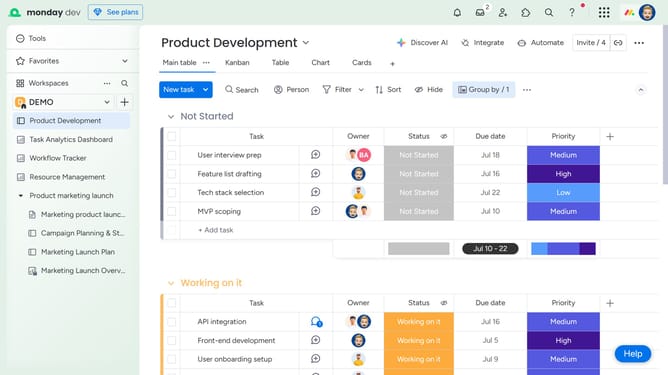
- First click the plus icon in the top-right corner of the table header to add a new column
- In the menu that appears click on the "Connect Boards" option
- Click the "Select boards" button
- Select the box next to the board that you want to connect
- Finally click on "Connect boards" button to establish the connection between boards
Why should you link different boards in Monday
Monday.com is a versatile work operating system that boosts team collaboration and project management.
A standout feature of this platform is the ability to link different boards, creating seamless interconnected workflows. This feature facilitates cross-team collaboration, ensuring that all departments are synchronized and up-to-date with project developments.
By linking boards, users can easily track progress, share updates, and align on priorities, leading to increased efficiency and more cohesive teamwork.
Last update