How to delete a column in Monday
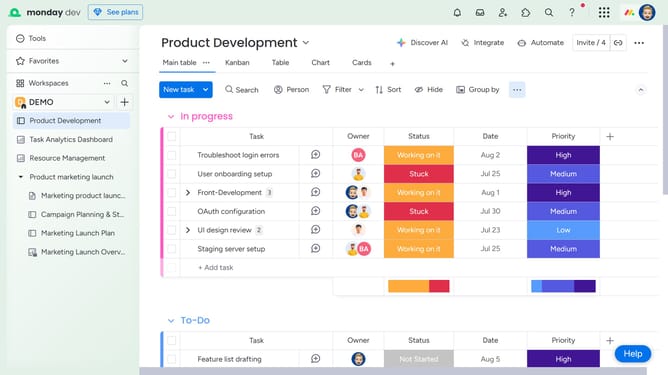
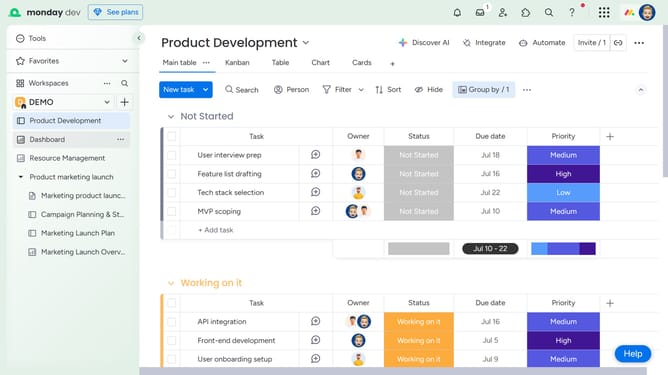
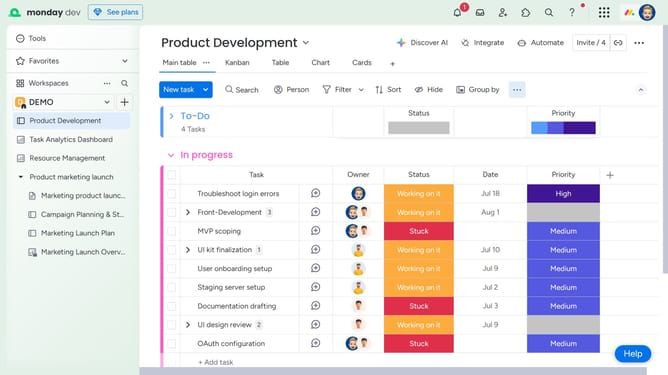
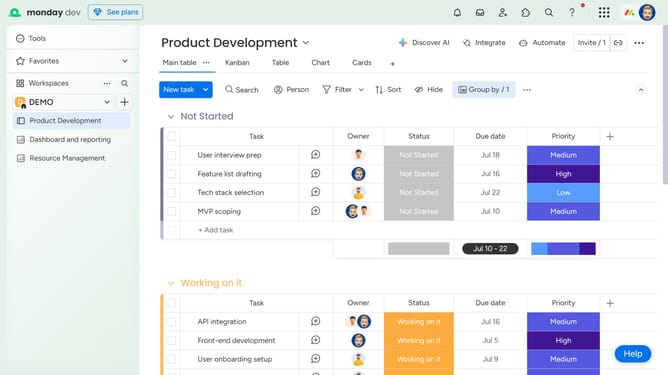
Here is how to delete a column in monday
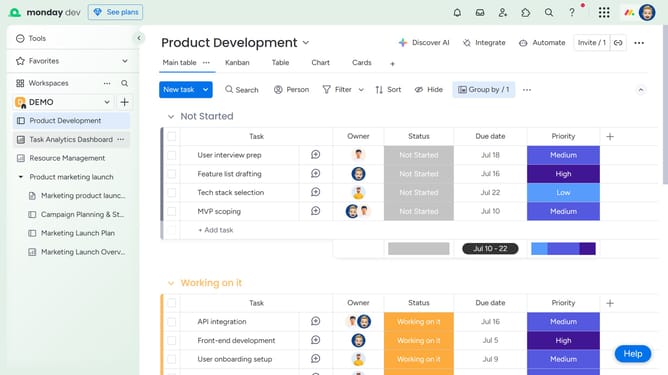
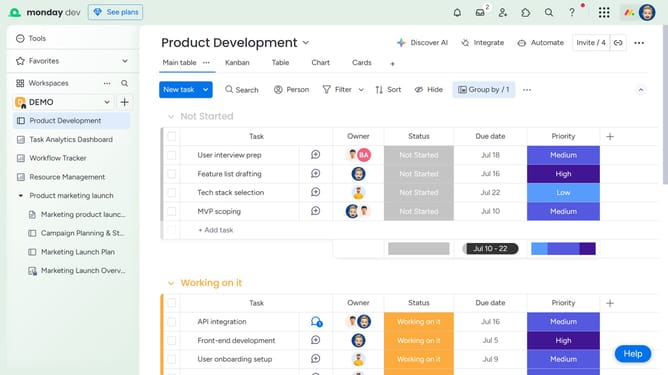
- First click on the board where you want to delete a column
- Click on the column that you want to delete
- Click the "More options" menu (three dots) button
- From the dropdown menu that appears, click the "Delete" option
- Click the "Delete" button to permanently remove the column
Why should you delete a column in Monday
Monday.com is a versatile work operating system designed to simplify team collaboration and project management.
One of the intuitive features available is the ability to delete a column effortlessly. This function plays a crucial role in maintaining an organized and clutter-free workspace by allowing users to remove unnecessary data with ease.
Removing columns helps to streamline tasks, enhancing productivity by ensuring team members focus only on relevant information. Enjoy the flexibility and time-efficiency that comes with having a clean and tailored project board.
Ultimately, this feature empowers teams to optimize their workflow, facilitating clearer communication and improved project outcomes.
Last update