How to share a dashboard with team members in Monday.com
Here is how to share a dashboard with team members in monday.com
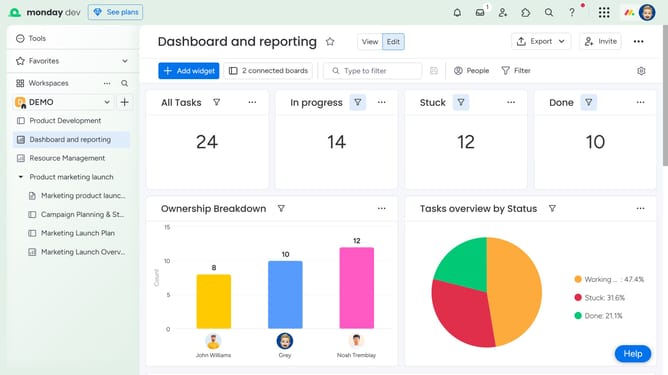
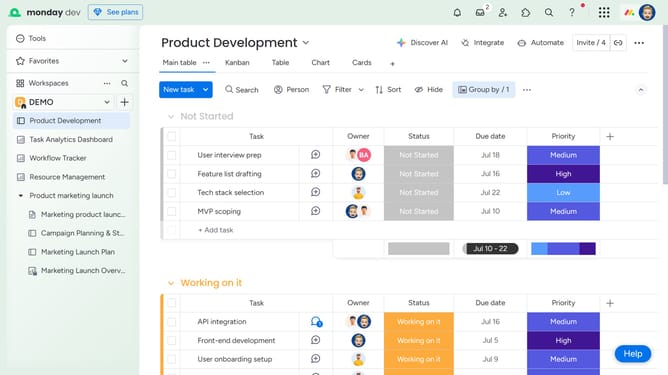
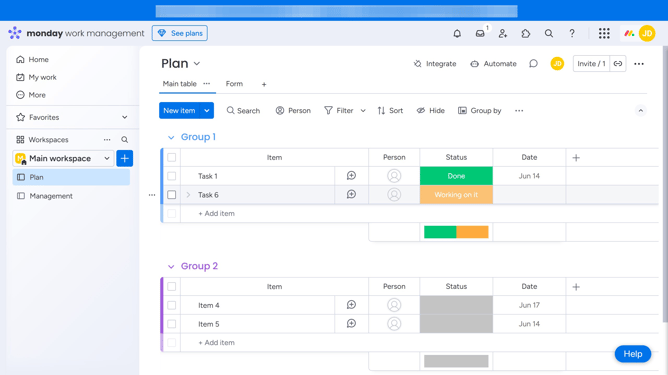
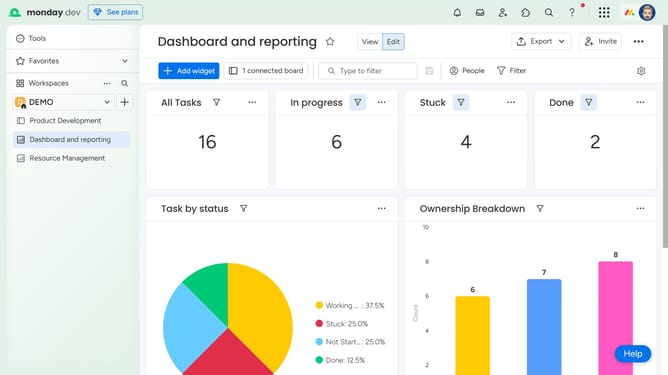
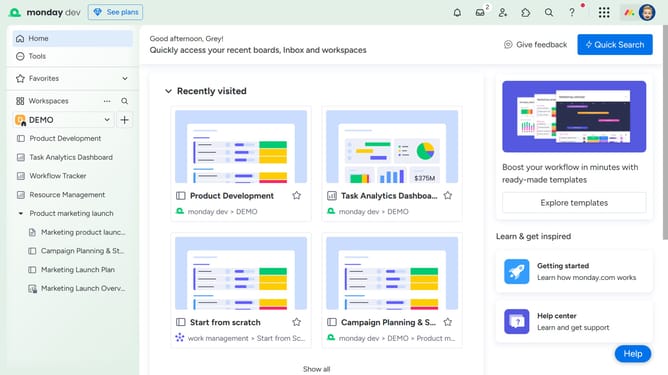
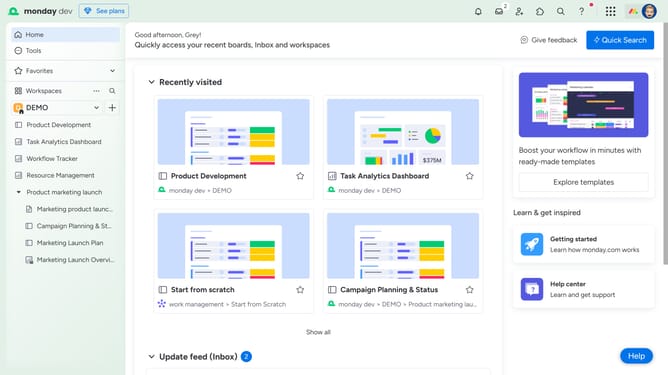
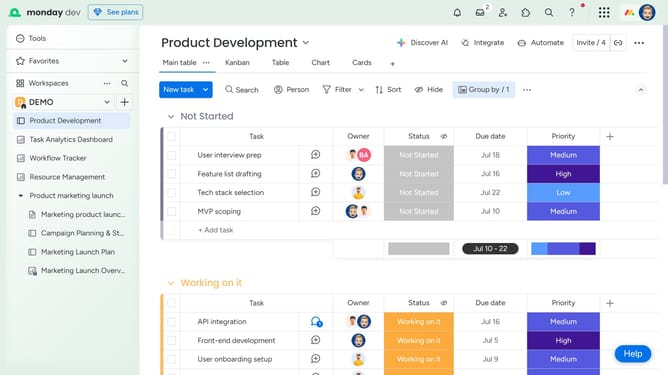
- First, click on the dashboard you want to share in the left sidebar
- Next click on the "Invite" button in the top-right corner of the dashboard
- Click on "Invite by email or link" option in the dropdown menu
- Then click the "Copy" button next to the invite link to copy it to clipboard
- Now share the link with team members to invite them and allow access to the dashboard
- Alternatively, enter their email addresses in the email input field
- Finally click on the "Send" button to invite and share the dashboard with them
Why should you share a dashboard with team members in Monday.com
Monday.com is a powerful work operating system for teams to manage their tasks efficiently.
Sharing a dashboard with team members in Monday.com enhances collaboration by ensuring everyone is aligned with project goals.
This feature offers a streamlined approach to keep each team member informed, fostering transparency and improving productivity.
By centralizing essential data, teams can make informed decisions swiftly, boosting project outcomes and team synergy.
Last update