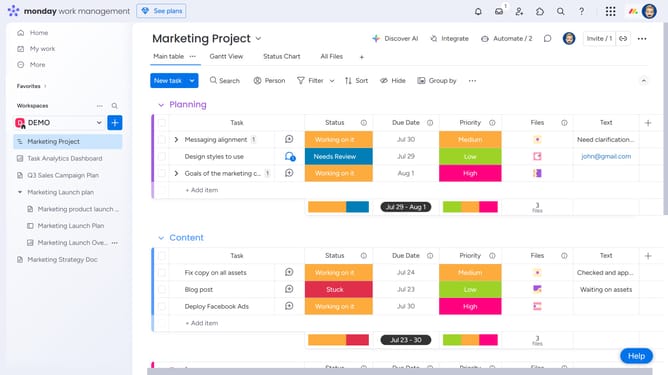
How to change the display theme in Monday.com
Here is how to change the display theme in monday.com
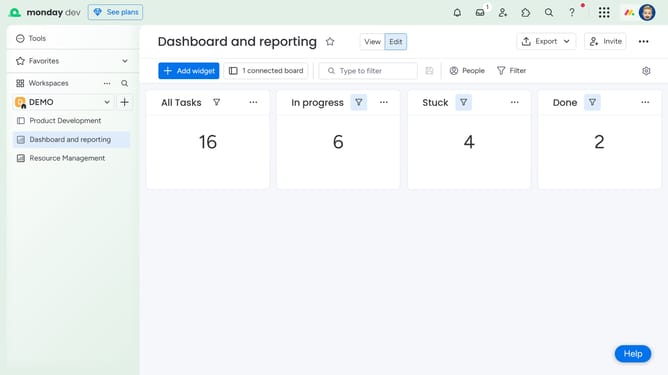
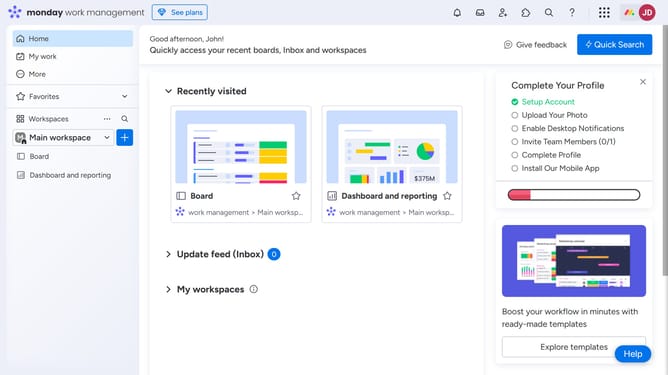
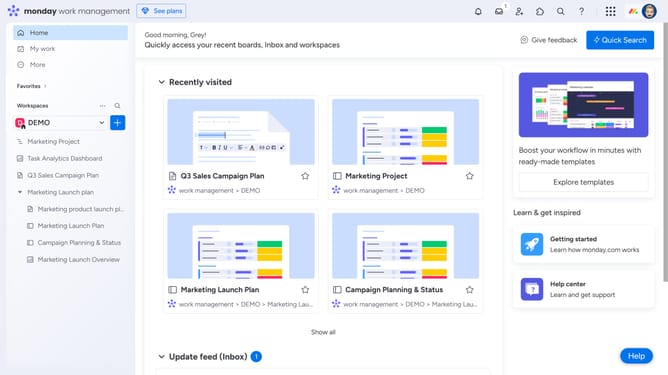
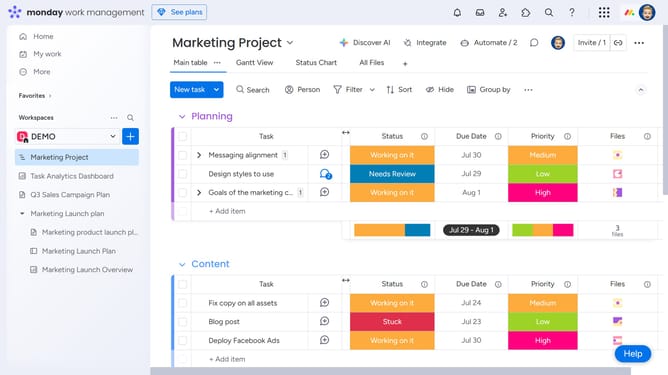
- First click on the profile picture in the top-right corner of the header
- Then click on the "Change theme" option in the user menu dropdown
- Finally select your preferred theme from the dropdown menu (Light, Dark or Night mode)
Why should you change the display theme in Monday.com
Monday.com is a versatile work management platform designed to simplify team collaboration and streamline project workflows.
One of its standout features is the ability to change the display theme, offering a personalized and visually appealing user experience.
Customizing your theme not only enhances the aesthetic appeal but also improves your focus and energy by creating an environment that resonates with you.
By tailoring the interface to your preferences, you boost productivity and make daily tasks more enjoyable.
Last update