How to delete a file from the Files column in Monday.com
Here is how to delete a file from the files column in monday.com
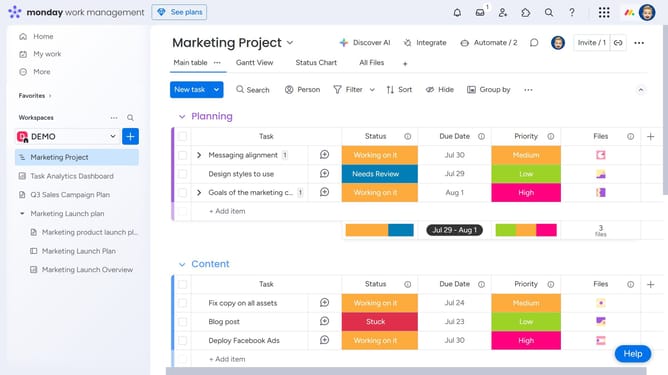
- First locate the item that has the file you want to delete in the Files column
- Next hover over the file thumbnail in the Files column
- Then click on the "Delete" icon (X) that appears next to it
- Finally click on the "Delete" button in the confirmation dialog box to delete the file
Why should you delete a file from the Files column in Monday.com
Monday.com is a versatile work operating system designed to elevate team collaboration and efficiency.
When managing projects, sometimes files become outdated or unnecessary. Deleting a file from the Files column in Monday.com helps keep your workspace organized and relevant.
The ability to remove files ensures that only pertinent documents remain accessible, which streamlines project workflows and reduces clutter. This feature promotes a tidy digital environment, fostering productivity and focus.
Last update