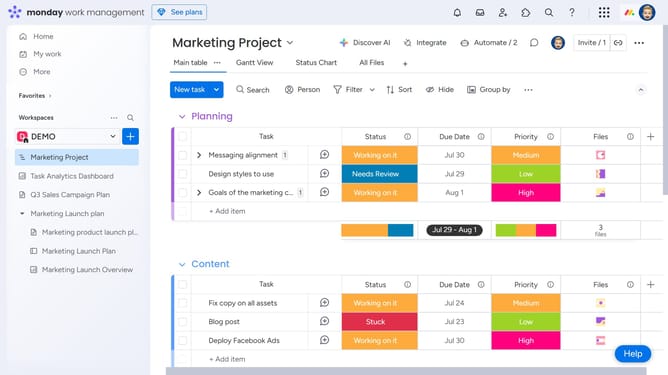
How to change the first day of the week in your calendar in Monday.com
Here is how to change the first day of the week in your calendar in monday.com
- First click on your profile picture in the top-right corner of the header
- Next click on the "My profile" option in the dropdown menu
- In the pop-up window, click on "Language & region" in the left sidebar menu
- FInally, find the “First day displayed on your calendars” option and select either Sunday or Monday as your preferred start of the week
Why should you change the first day of the week in your calendar in Monday.com
Monday.com is a versatile work operating system designed to streamline collaboration and optimize workflow management.
Adjusting the first day of the week in your calendar on Monday.com allows you to customize your workweek to match your unique scheduling needs. By doing so, you ensure that your planning and organization truly reflect your professional and personal priorities.
This feature enhances clarity and focus, as it aligns your calendar with local or personal customs, making project tracking and deadlines more intuitive and effective.
Last update