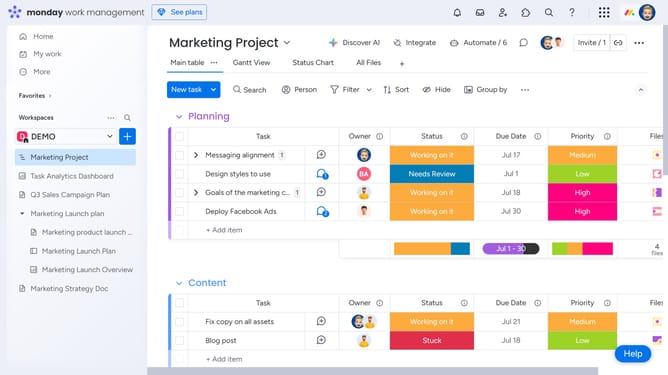
How to display column summaries in Monday.com
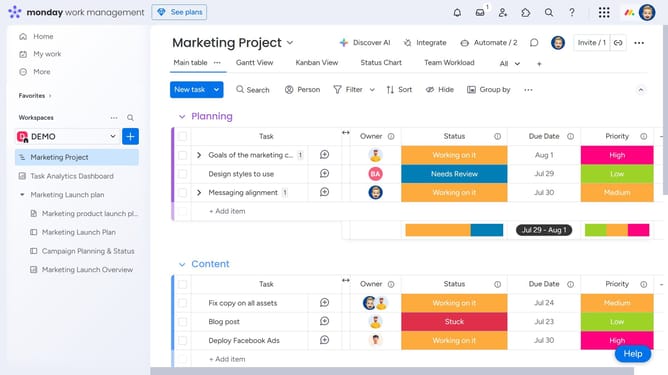
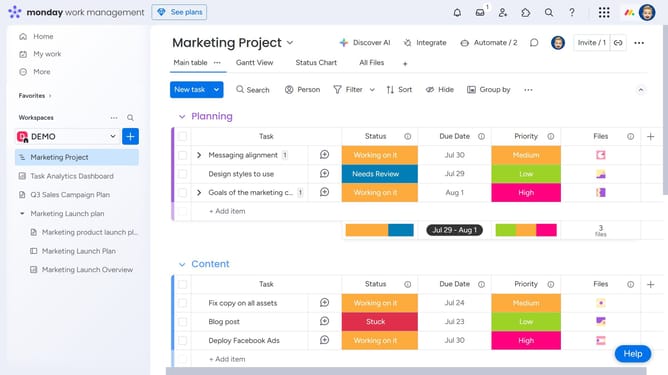
Here is how to display column summaries in monday.com
- First locate the column you want to summarize on the board
- Next click on the menu button (three dots) next to the column name
- Then click on the "Settings" option in the dropdown menu
- Finally select the "Show column summary" option from the settings submenu
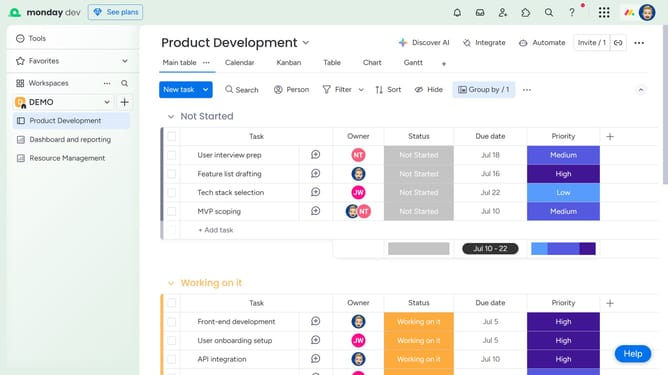
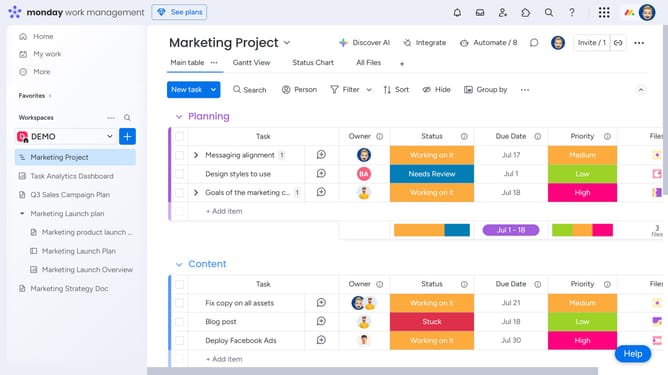
- The selected summary will now display at the bottom of the column
Why should you display column summaries in Monday.com
Monday.com is a versatile work operating system designed to elevate team productivity and collaboration.
One of its intuitive features includes the ability to display column summaries, providing quick insights at a glance. By leveraging these summaries, users can effortlessly monitor accumulated data, such as totals or averages, without sifting through numerous entries.
This feature transforms raw data into actionable insights, enhancing decision-making processes and allowing teams to stay focused on their goals.
Ultimately, column summaries promote transparency and efficiency, making it easier for everyone involved to stay updated effortlessly.
Last update