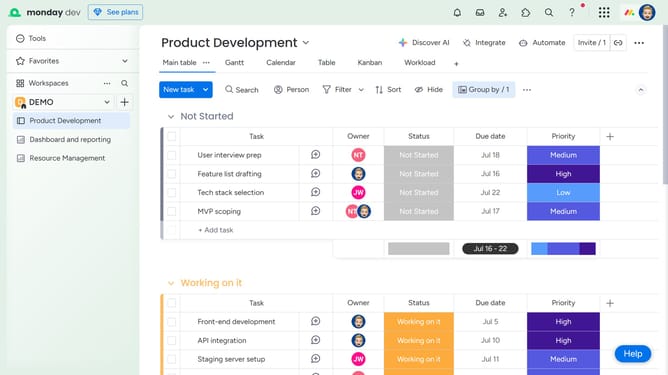
How to get a summary of subitem data in Monday.com
Here is how to get a summary of subitem data in monday.com
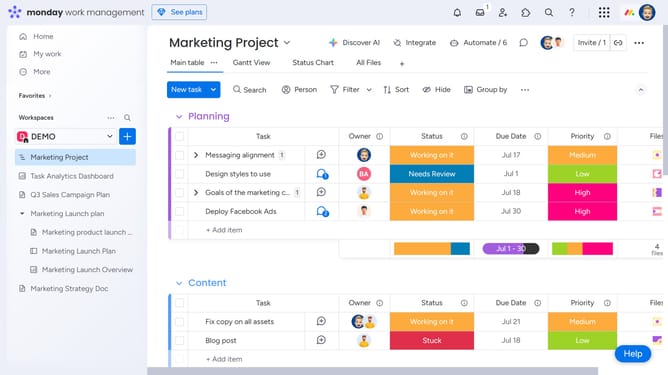
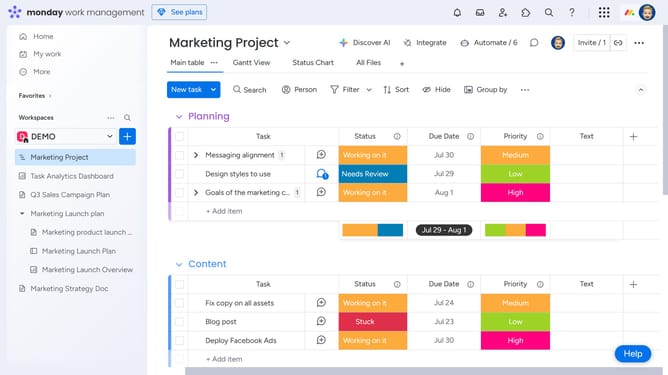
- First locate the parent item and expand it to reveal the subitems
- In the subitems, click on the more options menu (three dots) in the column header you want to summarize
- Then select "Show Summary on Parent Item" from the dropdown menu that appears
- A summary will appear on the parent item for that column (such as count, total, average)
Why should you get a summary of subitem data in Monday.com
Monday.com is a dynamic work operating system designed to streamline work management and improve team collaboration.
The platform's subitem data summary feature offers users a comprehensive overview of detailed tasks within larger projects.
This feature is particularly beneficial as it allows managers and team members to access insights at a glance, facilitating quick decision-making and efficiency.
Utilizing this functionality enhances visibility into intricate project components, ensuring that no detail is overlooked and promoting cohesive progress tracking.
Last update