How to copy a link to a comment in a Workdoc in Monday.com
Here is how to copy a link to a comment in a workdoc in monday.com
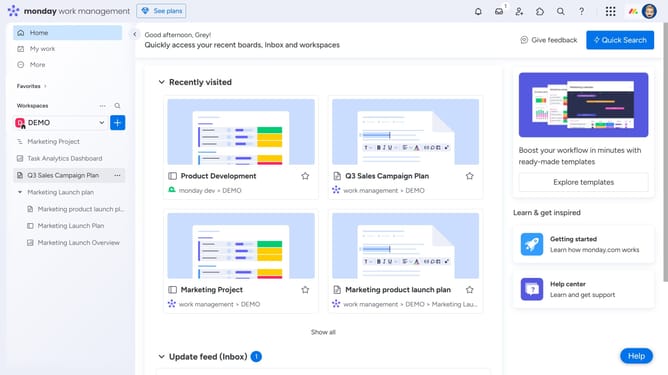
- First open the Workdoc that contains the comment from the left sidebar menu
- Next click the "Comments" icon in the top toolbar of the document
- In the comments panel, find the comment you want to copy the link for
- Then click on the "More options" menu (three dots) next to it
- Finally click "Copy link to comment" from the dropdown menu
Why should you copy a link to a comment in a Workdoc in Monday.com
Monday.com is a versatile work management platform designed to streamline teamwork and enhance productivity through intuitive collaboration features.
Copying a link to a comment in a Workdoc enriches communication by allowing you to direct teammates to insightful discussions instantly, fostering clarity and ensuring everyone is on the same page.
This feature enhances workflow by enabling efficient navigation through various projects, making it easier to track progress and stay informed without sifting through entire documents.
Ultimately, it boosts collaboration, helping teams align more effectively and stay focused on their goals.
Last update