How to add a Files column to a board in Monday.com
Here is how to add a files column to a board in monday.com
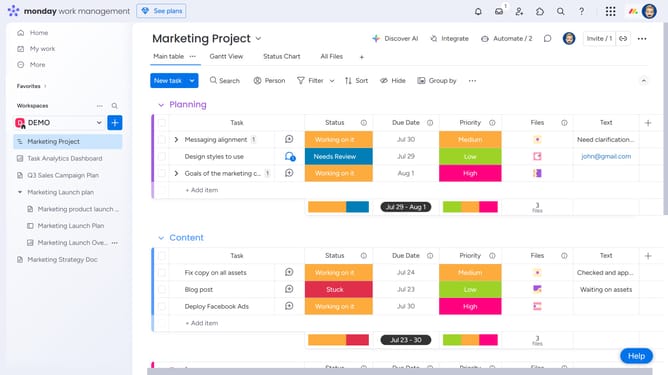
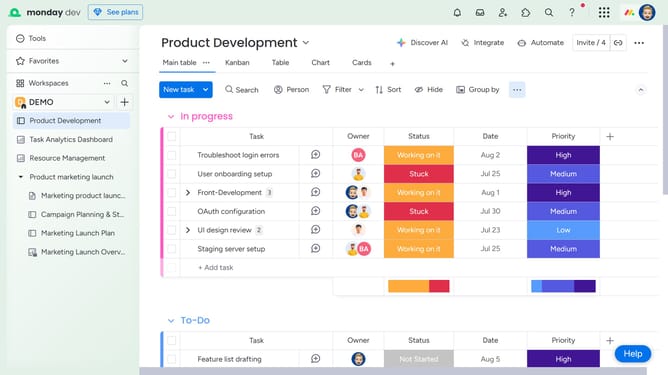
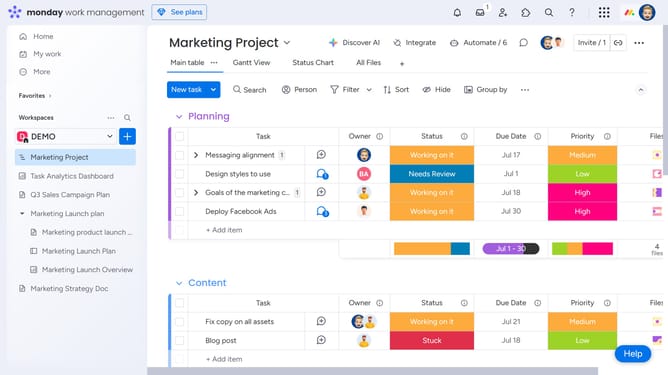
- First navigate to the board where you want to add the Files column
- Then click on the "+" button to the right of the column header
- Finally select the "Files" option in the dropdown menu
- The Files column will be added instantly to your board. You can now upload files directly to each item using this column
Why should you add a Files column to a board in Monday.com
Monday.com is an intuitive work operating system that streamlines team management and collaboration.
The Files column feature allows you to centralize document storage right alongside your workflows. By integrating this feature, teams can ensure that all relevant files are accessible without switching between apps.
Using the Files column enhances productivity as team members can easily find and update documents in real-time, fostering transparency and streamlined project management.
Last update