How to save your sort as a new view in Monday.com
Here is how to save your sort as a new view in monday.com
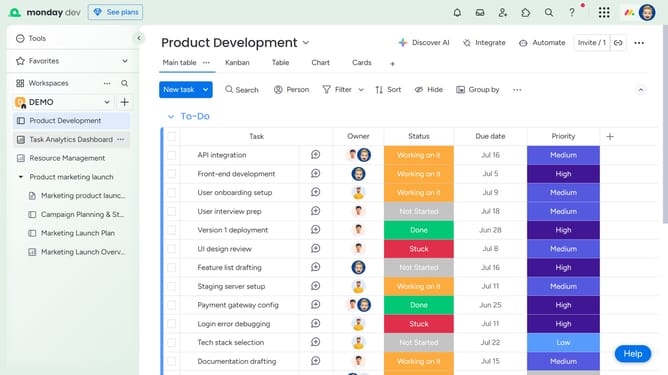
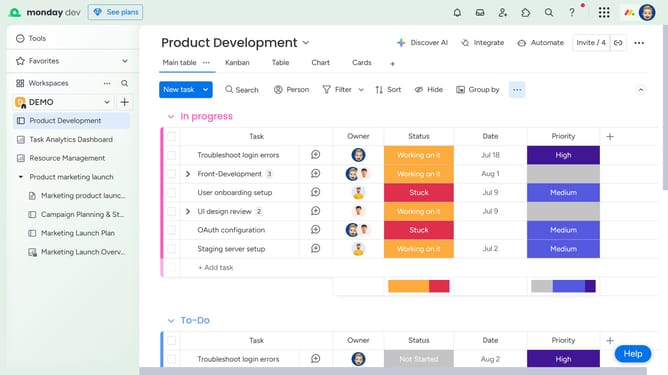
- First, click the "Sort" button in the top toolbar of the board
- Next click on the "Choose column" dropdown in the sort options panel
- Select a column from the dropdown menu
- Then click the sort order dropdown and select either "Ascending" or "Descending"
- Finally click the "Save as new view" button to create a view with your sort applied
Why should you save your sort as a new view in Monday.com
Monday.com is a versatile work operating system designed to streamline team collaboration and project management.
This platform offers a feature that lets you save your sort as a new view, making your workflow more personalized and efficient. By using this feature, you can customize how you visualize your project data, ensuring that relevant information is always at your fingertips.
Having a saved sort view enhances your productivity as you can effortlessly switch between different data organizations that best suit your tasks, leading to better time management and clarity.
Last update