How to restore a previous version of your Workdoc in Monday.com
Here is how to restore a previous version of your workdoc in monday.com
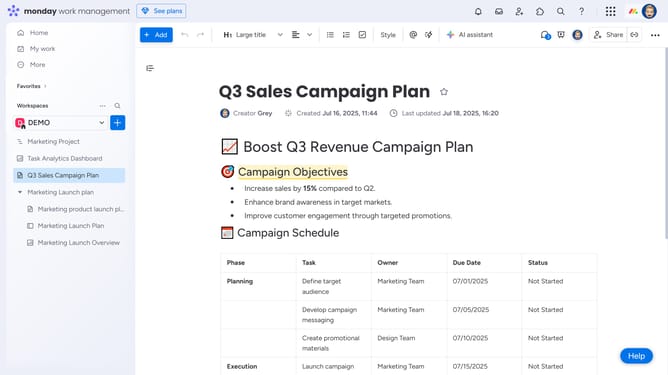
- First open your Workdoc you want to revert to a previous version
- Next click on the "More options" button in the top-right corner of the document
- Then click on "Version history" option in the dropdown menu
- In the Version History panel that opens, you will see the list of saved versions
- Then select the version you want to restore by clicking on it
- Finally click "Restore selected" button at the bottom of the version history panel
- The Workdoc will now revert to the selected version while keeping the latest one saved in the history
Why should you restore a previous version of your Workdoc in Monday.com
Monday.com is a dynamic platform designed to enhance team collaboration and workflow management with ease.
One of its powerful features is allowing users to restore a previous version of their Workdoc. This is perfect for maintaining document integrity and ensuring that all content is accurate and up-to-date.
Restoring previous versions adds an extra layer of security by letting you revisit and reapply past changes, which is invaluable for teams handling complex projects. This feature ensures adaptability and continuity, making your workflow resilient to errors or unexpected changes.
Last update