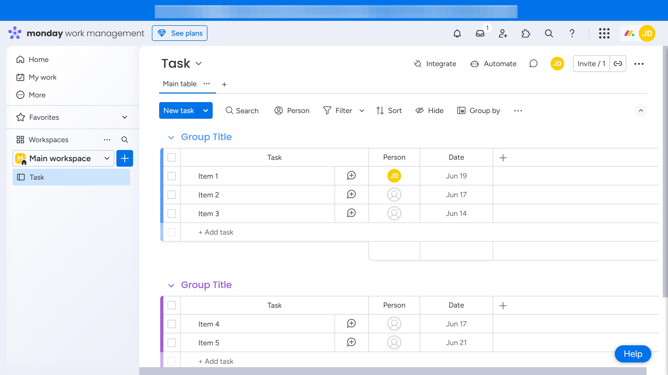
How to export user details to a CSV file in Monday.com
Here is how to export user details to a csv file in monday.com
- First click on the profile avatar in the top-right corner of the page
- Next click on the "Administration" option in the dropdown menu
- Click on the "Directory" item in the left sidebar menu
- Click on the "Users" option under the Directory section
- Then click on the "More options" button (three dots) in the top-right corner of the User management page
- Finally select "Download CSV" from the dropdown menu
- A CSV file with user details will be generated and downloaded to your device automatically
Why should you export user details to a CSV file in Monday.com
Monday.com is a versatile work operating system designed to streamline project management and collaboration.
Among its many features, the ability to export user details to a CSV file stands out for its utility.
This feature allows users to efficiently gather necessary team information, ensuring data is easily accessible and transferable.
By exporting data, teams can ensure seamless integration with other tools, improving workflow and saving time, making project management effortlessly effective.
Last update