How to change progress Monday.com
Here is how to change progress monday.com
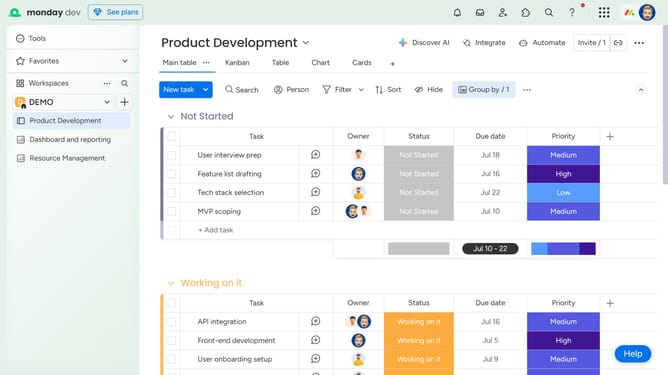
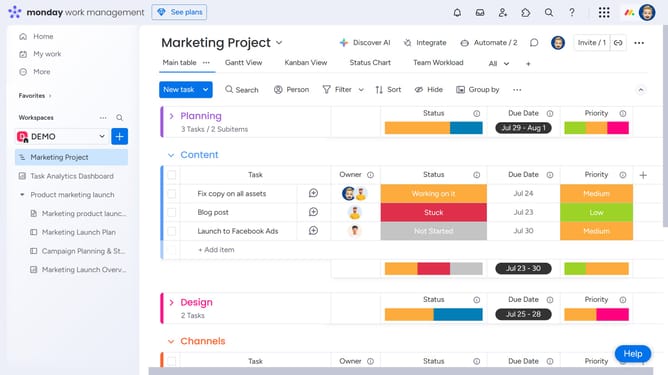
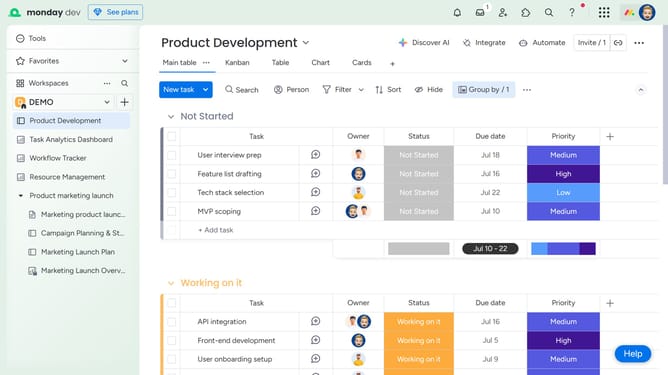
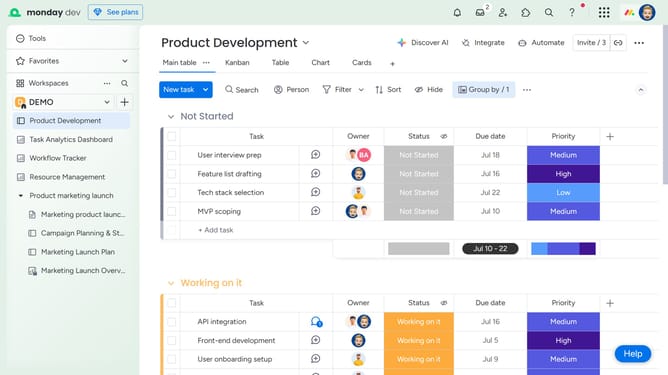
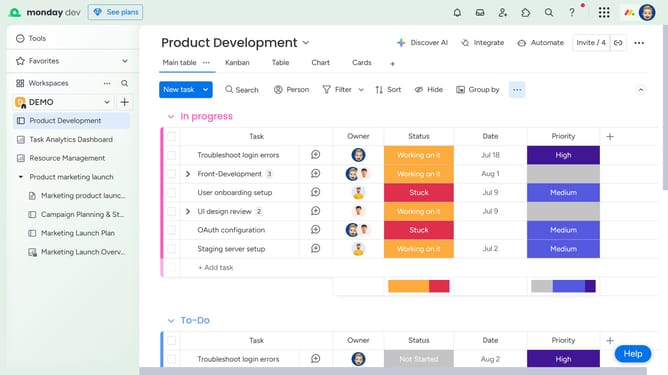
- First click on the "+" button in the table header to add a new column
- Then click on the "Status" option from the menu
- Next click on the empty status cell in the first row under the "Status" column
- Click the right progress status for the task
Why should you change progress Monday.com
Monday.com is a versatile work operating system that enables teams to manage projects and workflow with ease.
The progress tracking feature on Monday.com allows users to customize how they measure their advancement on tasks. This flexibility provides a clear overview of progress and helps in maintaining alignment with goals.
The ability to modify progress settings enhances team collaboration by ensuring everyone is updated on project status, thus fostering a proactive work environment and efficient project management.
Last update