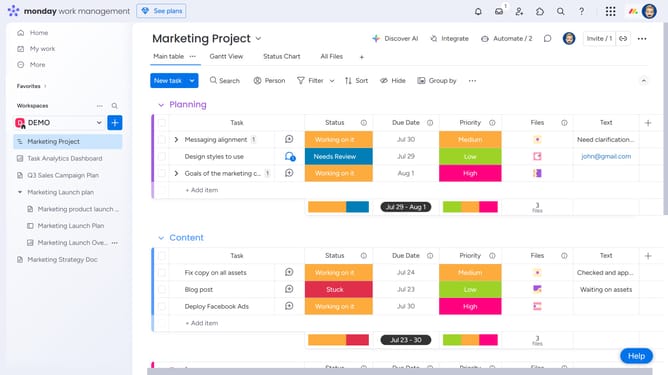
How to access user management in Monday.com
Here is how to access user management in monday.com
- First click your profile picture in the top-right corner of the screen
- Next click on the "Administration" option in the dropdown menu
- Then click on "Directory" in the left sidebar menu
- Finally select "Users" from the expanded Directory submenu
- The User Management section will open, displaying all users in your account
Why should you access user management in Monday.com
Monday.com is a powerful work operating system that streamlines project management and team collaboration.
A standout feature of Monday.com is its user management capability, which can be effortlessly accessed within the platform.
Utilizing user management in Monday.com empowers you to organize user roles and permissions, fostering a seamless workflow.
This feature enhances team coordination, ensuring that the right access and tasks are designated effectively, ultimately contributing to increased productivity.
Last update