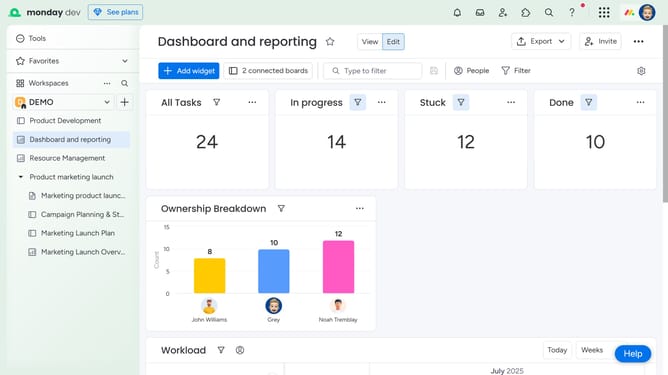
How to export a Chart Widget in Monday.com
Here is how to export a chart widget in monday.com
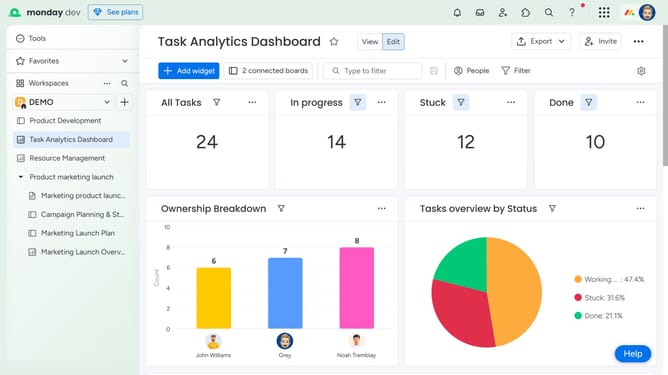
- First click on the dashboard in the left sidebar to open it
- Next locate the Chart Widget you want to export
- Click on the "more options" button (three dots) in the chart widget header
- Then click on the "Export" option in the dropdown menu
- Finally, select your preferred format from the export options
- The file will then automatically download to your device
Why should you export a Chart Widget in Monday.com
Monday.com is a versatile work operating system that streamlines team collaboration and project management.
Exporting a Chart Widget in Monday.com empowers users to seamlessly integrate their data insights with external platforms.
This feature is beneficial for creating visually compelling presentations, ensuring data-driven decisions are made effectively.
By harnessing this feature, teams can maintain a clear, organized view of their projects and strategies, enhancing overall productivity and focus.
Last update