How to move a subitem between items in Monday.com
Here is how to move a subitem between items in monday.com
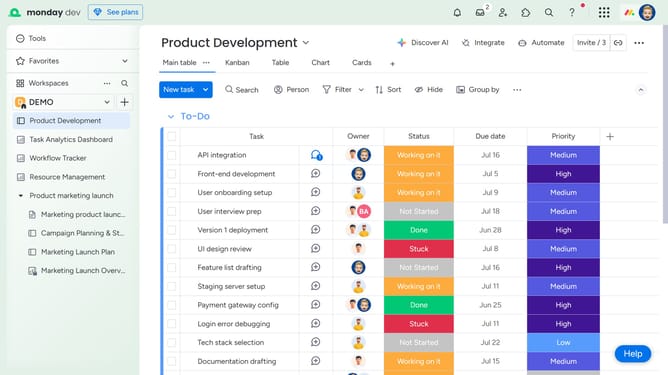
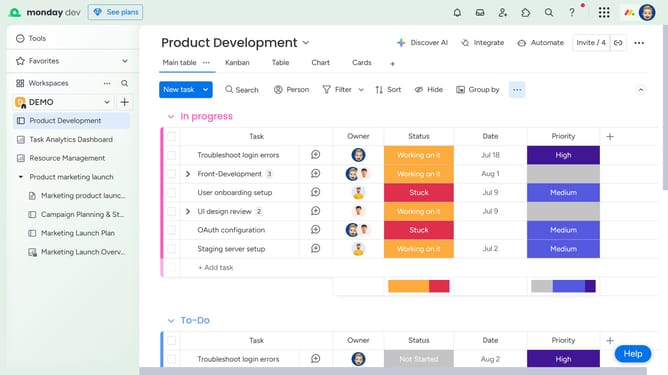
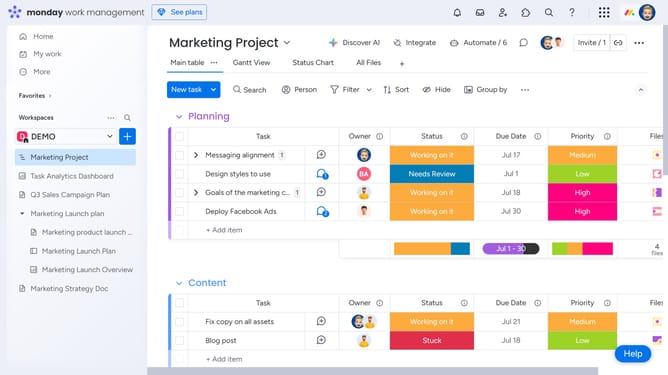
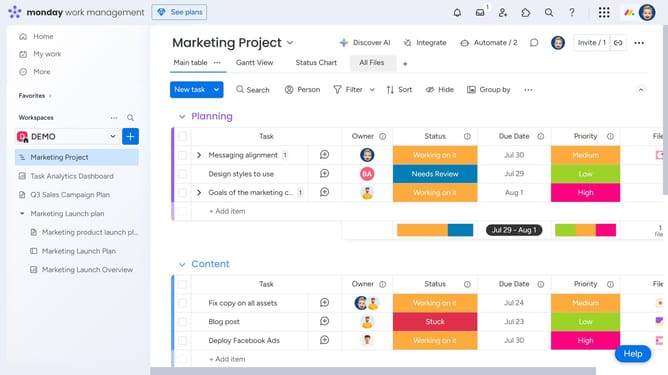
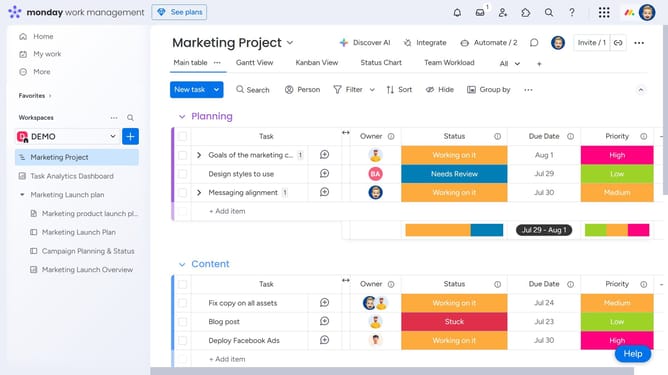
- First, on the board, locate the subitem you want to move
- Next, click the checkbox next to the subitem name to select it
- Then click on the "Move to" button in the actions toolbar
- Finally select the item that you want to move it to from dropdown menu
Why should you move a subitem between items in Monday.com
Monday.com is a versatile work operating system designed to enhance team collaboration and project management efficiency.
One standout feature is the ability to seamlessly move subitems between items, showcasing its flexibility. This feature is invaluable for organizing tasks dynamically, especially as projects evolve.
It allows team members to reassess priorities and allocate resources with precision. This ensures that no aspect of a project is neglected, fostering better teamwork and productivity.
Last update