How to change a user's email address in Monday.com
Here is how to change a user's email address in monday.com
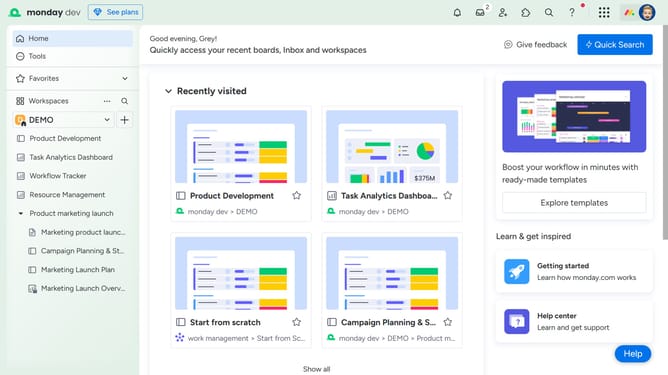
- First click on the profile picture in the top-right corner of the page
- Then click on the "Administration" option in the dropdown menu
- Next click on "Directory" in the left sidebar menu
- Click on "Users" in the Directory submenu
- Locate the user whose email address you want to change from the list
- Then click on the options menu button (three dots) next to the user's name
- Click on "Edit email address" option in the dropdown menu
- Then in the popup window, enter the new email address in the email input field
- Finally click on the "Change email address" button to confirm the update
Why should you change a user's email address in Monday.com
Monday.com is a versatile work operating system designed to streamline team management and enhance productivity.
Changing a user's email address in Monday.com ensures that communication remains seamless and uninterrupted. This feature helps in maintaining updated contact information, which is crucial for receiving notifications and collaborating effectively.
Furthermore, having an accurate email address on file boosts security and ensures that the right people have access to the right information, fostering a more cohesive work environment.
Last update