How to create a subitem in Monday.com
Here is how to create a subitem in monday.com
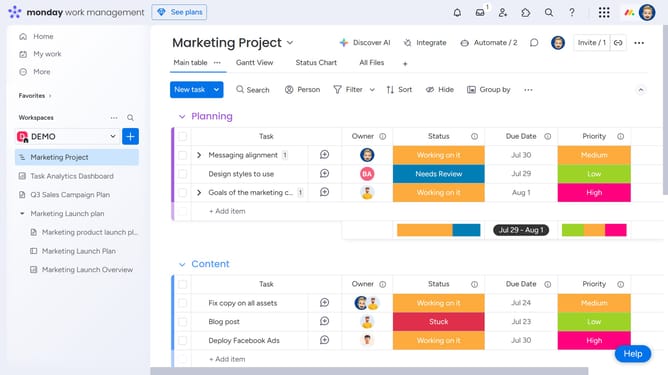
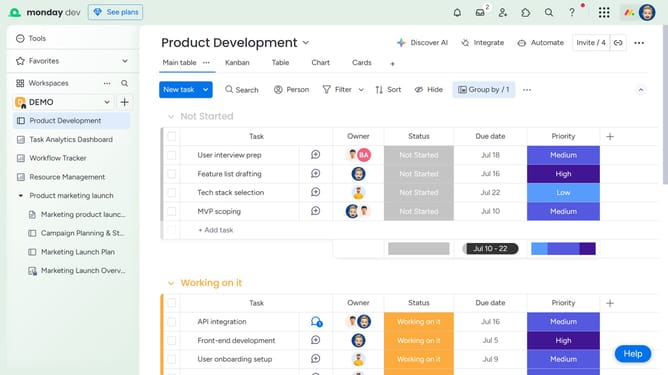
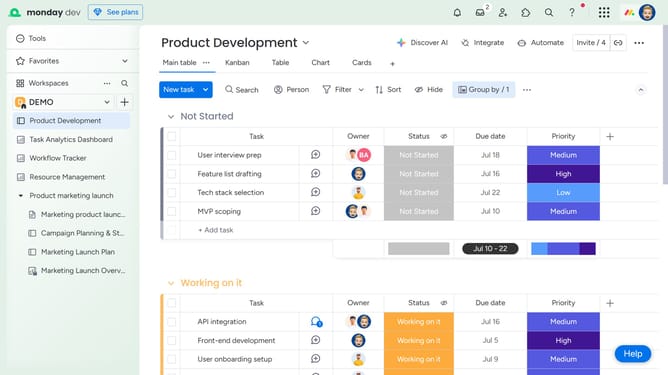
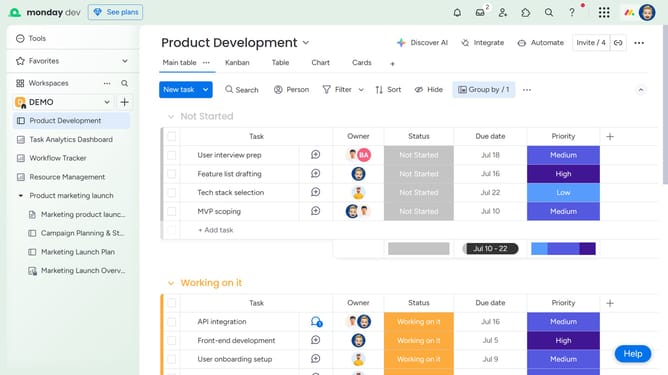
- First, on the board, locate the item where you want to add a subitem
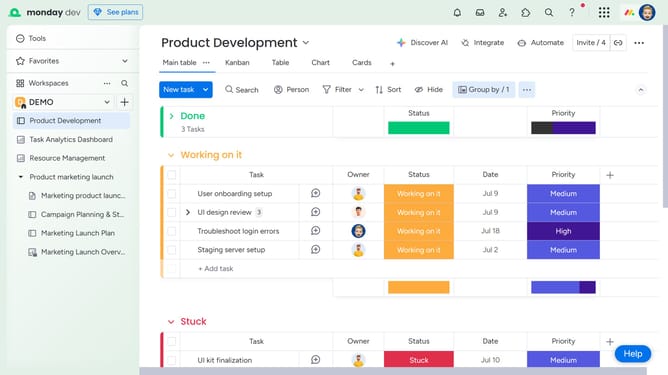
- Next click on the arrow icon next to the item name to expand it
- Then click on the "Add subitem" to create a new subitem
- Finally enter the name of your subitem and press "Enter" to save
- Now, fill out additional details in the subitem’s columns, such as status, owner, or due date
Why should you create a subitem in Monday.com
Monday.com is a versatile work operating system designed to streamline workflow across teams.
Creating subitems in Monday.com adds incredible depth to your project management, allowing users to break down tasks into more manageable and detailed components.
This feature allows for increased clarity and organization by nesting relevant tasks under a primary task, which helps ensure that nothing falls through the cracks.
Utilizing subitems not only fosters efficiency and improved collaboration among team members, but also provides a clearer perspective on project progress and interdependencies.
Last update