How to change your account theme in Monday.com
Here is how to change your account theme in monday.com
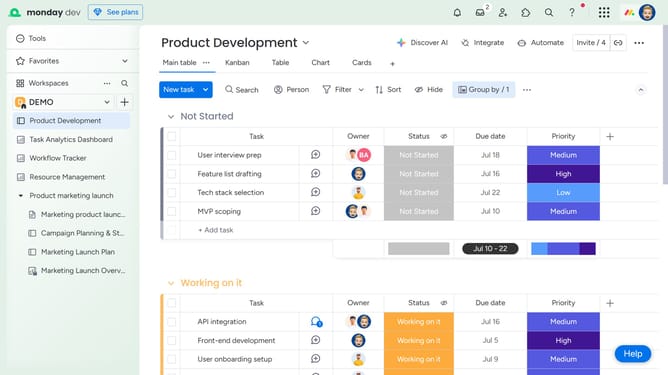
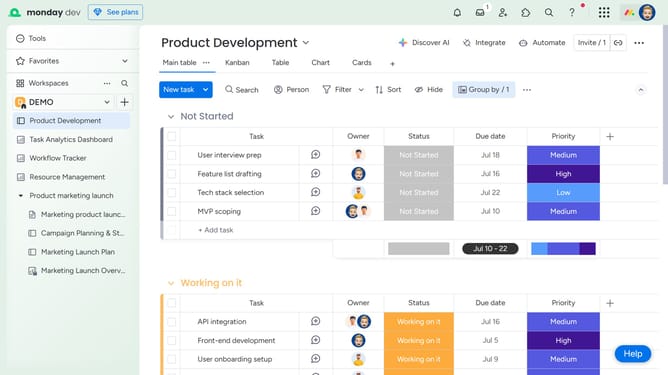
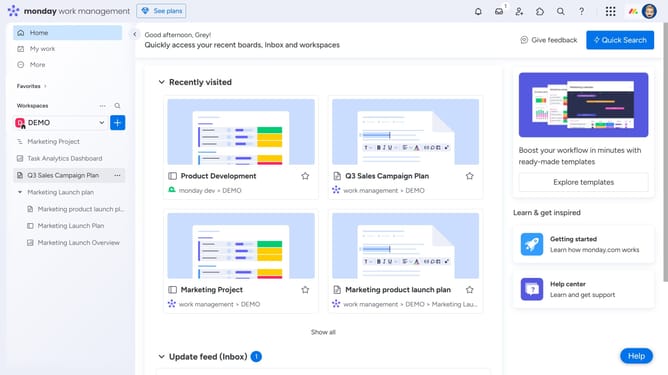
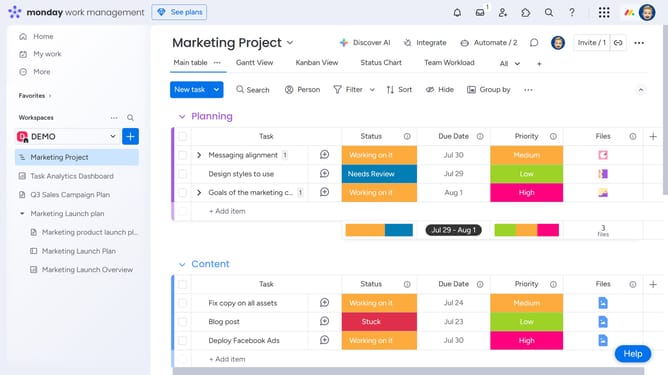
- First click on the profile picture in the top-right corner of the header
- Then click on the "Change theme" option in the user menu dropdown
- Finally select your preferred theme from the dropdown menu (Light, Dark or Night mode)
Why should you change your account theme in Monday.com
Monday.com is a versatile work operating system designed to streamline teamwork and enhance productivity.
Changing your account theme is a standout feature, allowing you to personalize your workspace to reflect your style and preferences.
This feature provides an opportunity to create a more inspiring and comfortable digital environment, which can boost your motivation and make navigation more intuitive.
Embracing a theme that resonates with you can lead to an improved overall experience on Monday.com, fostering creativity and focus.
Last update