How to duplicate a dashboard in Monday.com
Here is how to duplicate a dashboard in monday.com
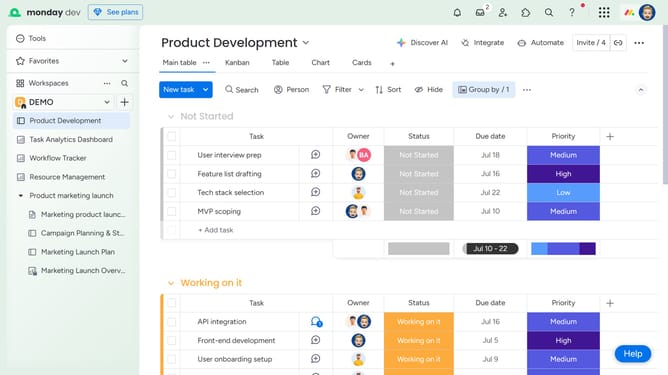
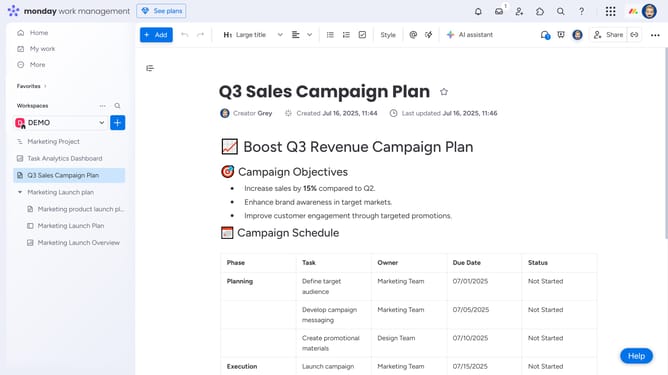
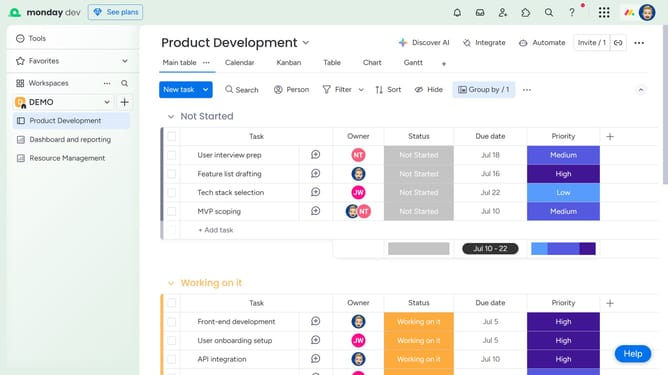
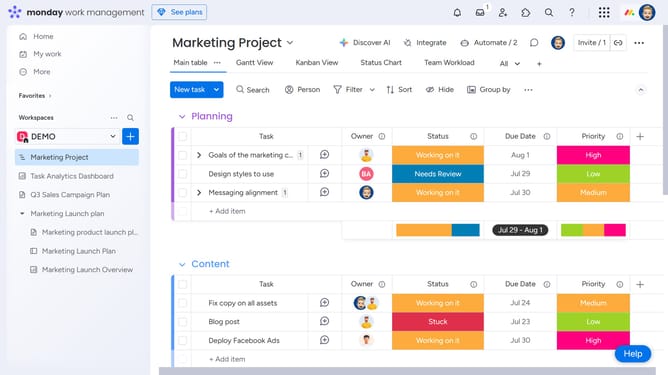
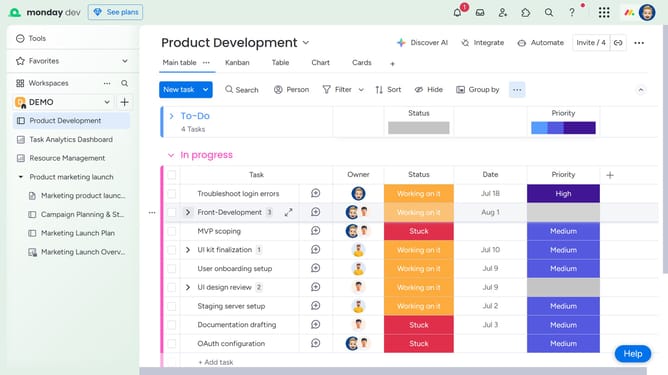
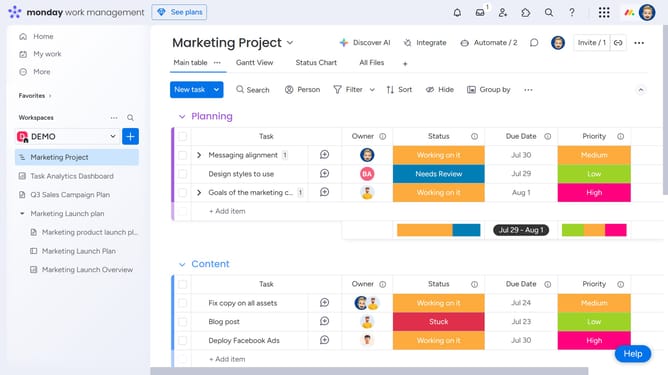
- First, locate the dashboard you want to duplicate in the left sidebar
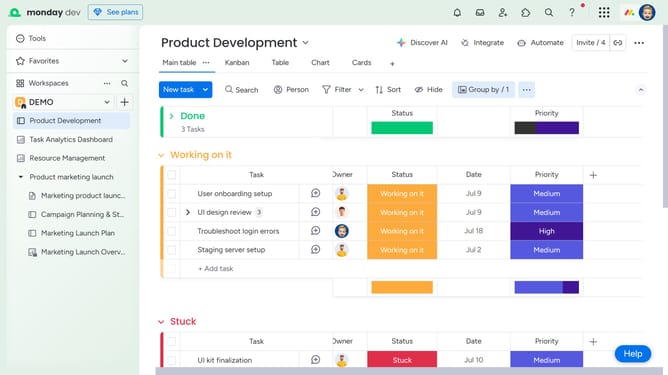
- Then click on the more options menu (three dots) next to the dashboard name
- Finally select the "Duplicate" option in the dropdown menu
Why should you duplicate a dashboard in Monday.com
Monday.com is a dynamic work operating system designed to help teams run projects and workflows with confidence.
The ability to duplicate a dashboard in Monday.com streamlines project management by easily extending previously successful frameworks to new initiatives.
This feature ensures that proven strategies are consistently implemented without recreating setups from scratch, saving time and minimizing errors.
By leveraging this functionality, teams can maintain consistent visibility across projects, enhancing efficiency and focus.
Last update