How to comment on specific content in a Workdoc in Monday.com
Here is how to comment on specific content in a workdoc in monday.com
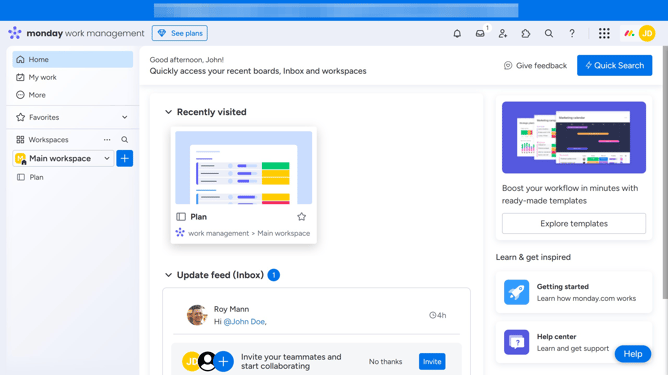
- First click the Workdoc in the left sidebar to open it
- Next locate the specific text or content you want to comment on
- Highlight it, and a formatting toolbar will appear above your selection
- Then click on "Add comment" icon in the toolbar
- Next click on the comment text input field and start typing your comment
- Finally click on "Comment" button to submit the comment
- Your comment will now appear linked to the highlighted content, and team members can reply to it
Why should you comment on specific content in a Workdoc in Monday.com
Monday.com is a versatile team management platform designed to streamline your workflow and enhance collaboration.
When working within a Workdoc on Monday.com, you have the ability to comment on specific content, which brings incredible precision to your collaborative efforts.
This feature allows team members to address particular elements directly, ensuring discussions stay relevant and focused.
With this capability, feedback becomes more actionable, reducing misunderstandings and reinforcing team productivity.
Last update