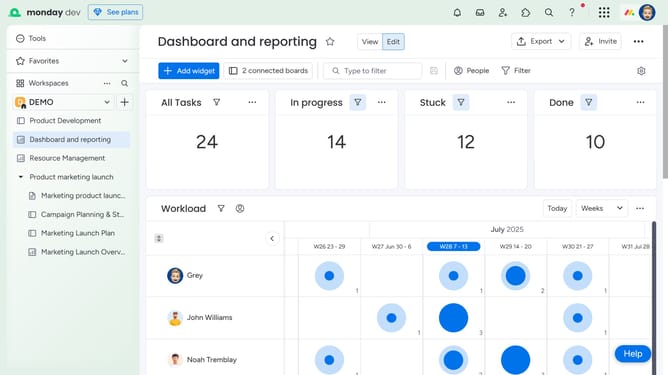
How to create a new Workdoc using a template in Monday.com
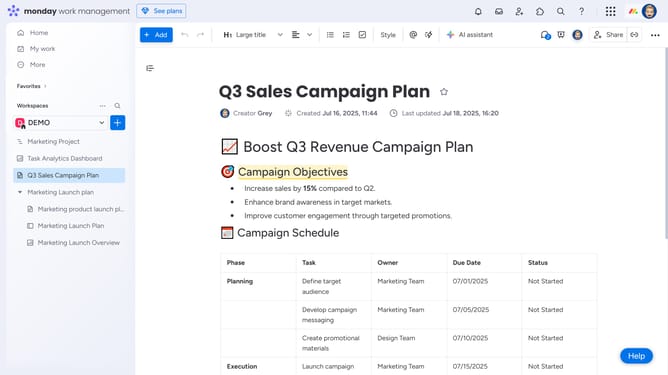
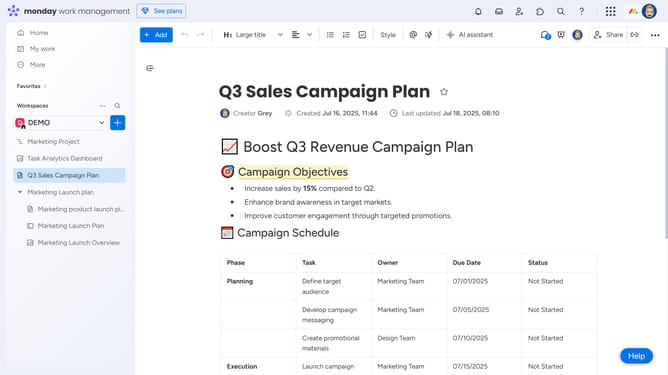
Here is how to create a new workdoc using a template in monday.com
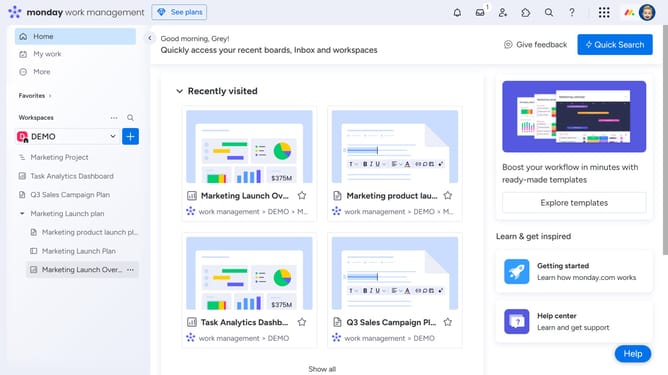
- First click on the "+" button in the left sidebar next to your Workspace name
- Then click on "Doc" in the add new menu
- Next click on "Start with template" option in the submenu
- In the template center, browse the list of available templates and select the template you want to use
- Another option is to click on "New Doc" option in the Doc submenu
- Enter the name of your Doc in the name field
- Next choose the permission type to assign to the doc
- Then click the "Create Doc" button to create the new document
- In the new blank document, click on "Templates" option
- Finally, hover over a template and click “Use Template” to apply it to your Workdoc
Why should you create a new Workdoc using a template in Monday.com
Monday.com is a versatile work operating system designed to enhance team collaboration and streamline project management.
Creating a new Workdoc using a template in Monday.com is a feature that simplifies document creation by providing ready-made structures. This makes it easier to focus on content and collaboration, rather than formatting and layout.
Using templates saves time and ensures consistency, enabling teams to quickly produce professional and cohesive documents. This efficiency boosts productivity and enhances the collaborative potential of any project.
Last update