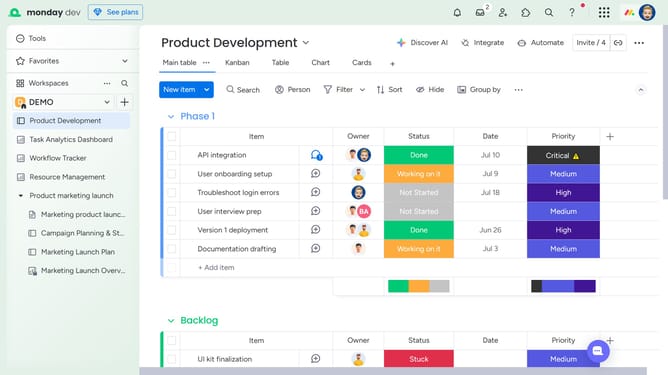
How to copy columns from parent items to subitems in Monday.com
Here is how to copy columns from parent items to subitems in monday.com
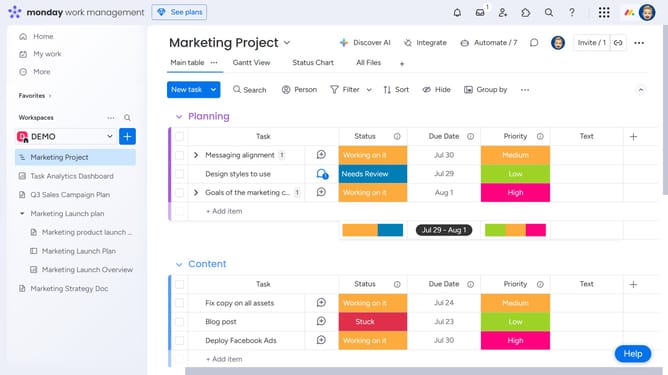
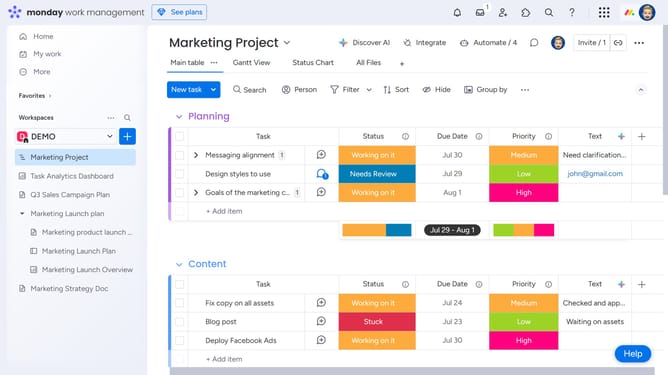
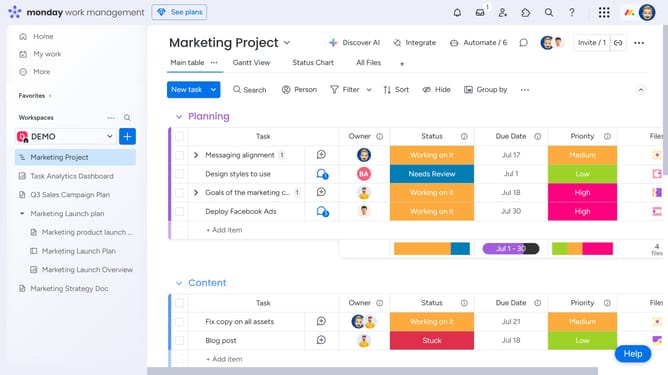
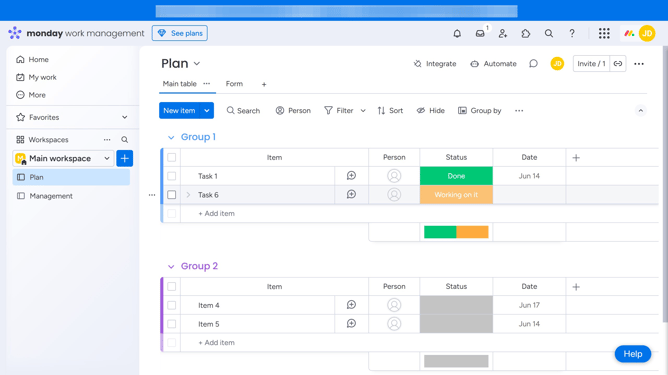
- First, locate the parent item that contains the subitems
- Next click on the expand arrow next to the item name
- Click on the plus icon (+) to the right of the final subitem column
- Then click on "Copy parent columns" option in the dropdown menu
- After that select the relevant columns that you want to copy to your subitems
- Finally click the "Copy columns" button to apply the selected columns
Why should you copy columns from parent items to subitems in Monday.com
Monday.com is a versatile work operating system that streamlines team collaboration and project management.
One standout feature is the ability to copy columns from parent items to subitems, enhancing efficiency and consistency.
By doing this, you ensure crucial information is seamlessly cascaded down, eliminating redundancy and helping maintain data uniformity. This feature supports structured workflows, allowing team members to stay aligned and informed, ultimately boosting productivity and concentration on essential tasks.
Last update