How to use the writing assistant in Monday.com
Here is how to use the writing assistant in monday.com
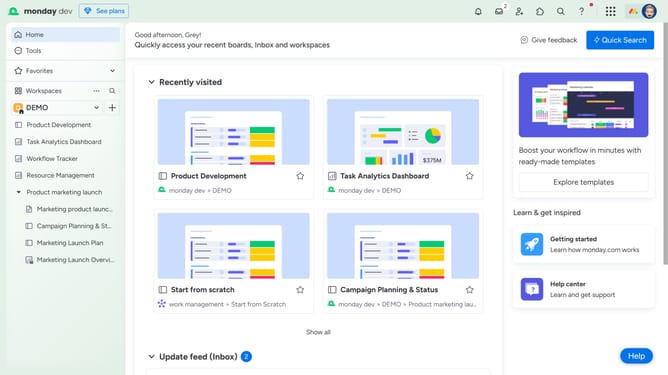
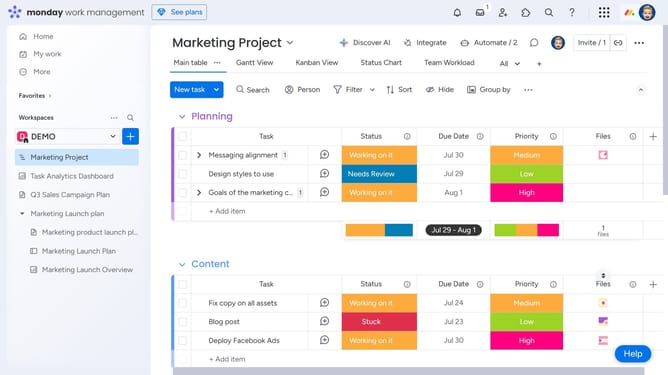
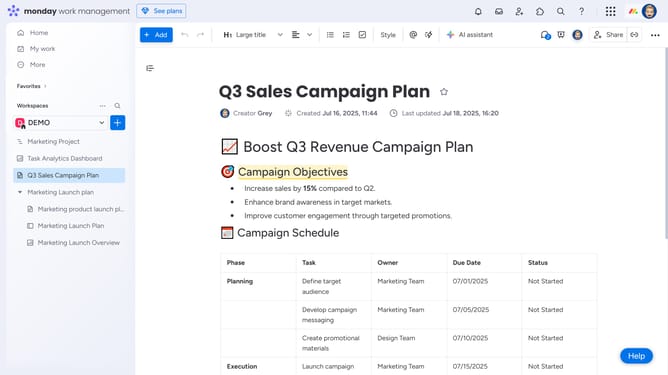
- First open an existing Workdoc from the left sidebar
- Next click where you want to generate text
- Then click the "+" button to the left of the line
- A small block menu will appear with content options
- Select “Write with AI” in the block menu
- Next click in the AI writing prompt text area and type your prompt
- Then click on "Generate" button to create AI-generated content
- Finally the AI will automatically generate the text
- Now choose to copy the text or click "+ Add to doc" to insert it directly into your Workdoc
Why should you use the writing assistant in Monday.com
Monday.com is an intuitive work operating system designed to empower teams to achieve their best work.
The writing assistant in Monday.com acts as a powerful tool that seamlessly integrates into your workflow, ensuring your communication is clear and effective.
With its intelligent suggestions, it helps refine your content, enabling you to maintain consistency and professionalism in your collaborative tasks.
Leverage this feature to boost productivity, fostering an environment where ideas can flow without interruption.
Last update