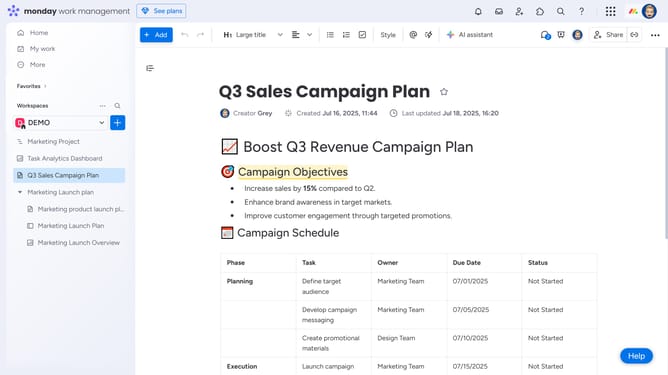
How to create a Workdoc from a template in Monday.com
Here is how to create a workdoc from a template in monday.com
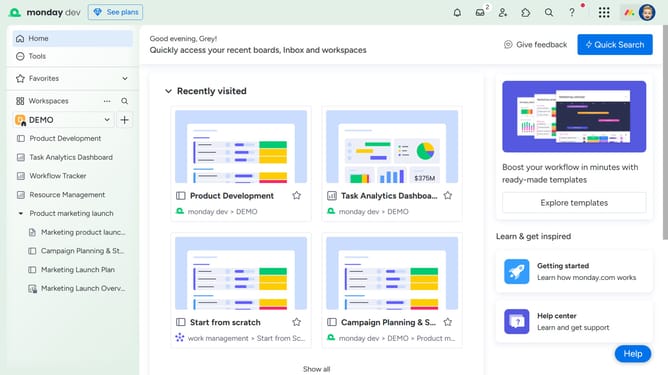
- First click on the "+" button in the left sidebar next to your Workspace name
- Then click on "Doc" in the add new menu
- Next click on "Start with template" option in the submenu
- In the template center, browse the list of available templates and select the template you want to use
- Another option is to click on "New Doc" option in the Doc submenu
- Enter the name of your Doc in the name field
- Next choose the permission type to assign to the doc
- Then click the "Create Doc" button to create the new document
- In the new blank document, click on "Templates" option
- Finally, hover over a template and click “Use Template” to apply it to your Workdoc
Why should you create a Workdoc from a template in Monday.com
Monday.com is a versatile work operating system designed to streamline project management and collaboration.
Creating a Workdoc from a template in Monday.com enhances efficiency by providing a structured starting point for your projects.
This feature allows teams to quickly jump into a fully formatted document, ensuring consistency and saving valuable time in crafting new docs from scratch.
By leveraging templates, teams can ensure all relevant elements are covered right from the get-go, fostering a more organized and productive workflow.
Last update