How to change currencies in Monday
Here is how to change currencies in monday
- Click on the board where you want to use different currencies
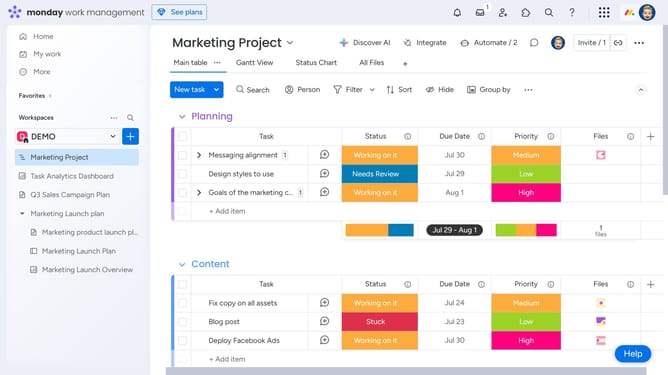
- Then click on the "+" in the main table to add a new column
- Next click the "Numbers" option from the menu
- After that hover your mouse cursor on the column header
- Then click on menu (three dots) to access additional options
- Next click "Customize Numbers column" from the dropdown menu
- After that click on "Customize Numbers column" option
- Select your preferred currency
Why should you change currencies in Monday
Monday.com, a dynamic work operating system, is designed to streamline workflow collaboration across diverse teams.
One standout feature is its ability to change currencies, a crucial tool for teams that operate internationally. This feature ensures seamless financial transactions and reports for businesses dealing in multiple currencies.
By easily adjusting the currency within the platform, teams can avoid conversion mishaps, resulting in more accurate budgeting and financial forecasting. This adds to operational efficiency and enhances the overall decision-making process.
Last update